How to remove gutter area from VS Code from both side
Answer a question
There seems to be some bug in VS Code, I exited ZenMode and can see gutter on both side of VS Code. This is making my coding area small and I am not able to remove it. Can someone please help me here
This happened with me earlier also, I had to reinstall VS Code, But can't do it every now and then. So need a permanent solution.
Please refer to red marked area in image below.
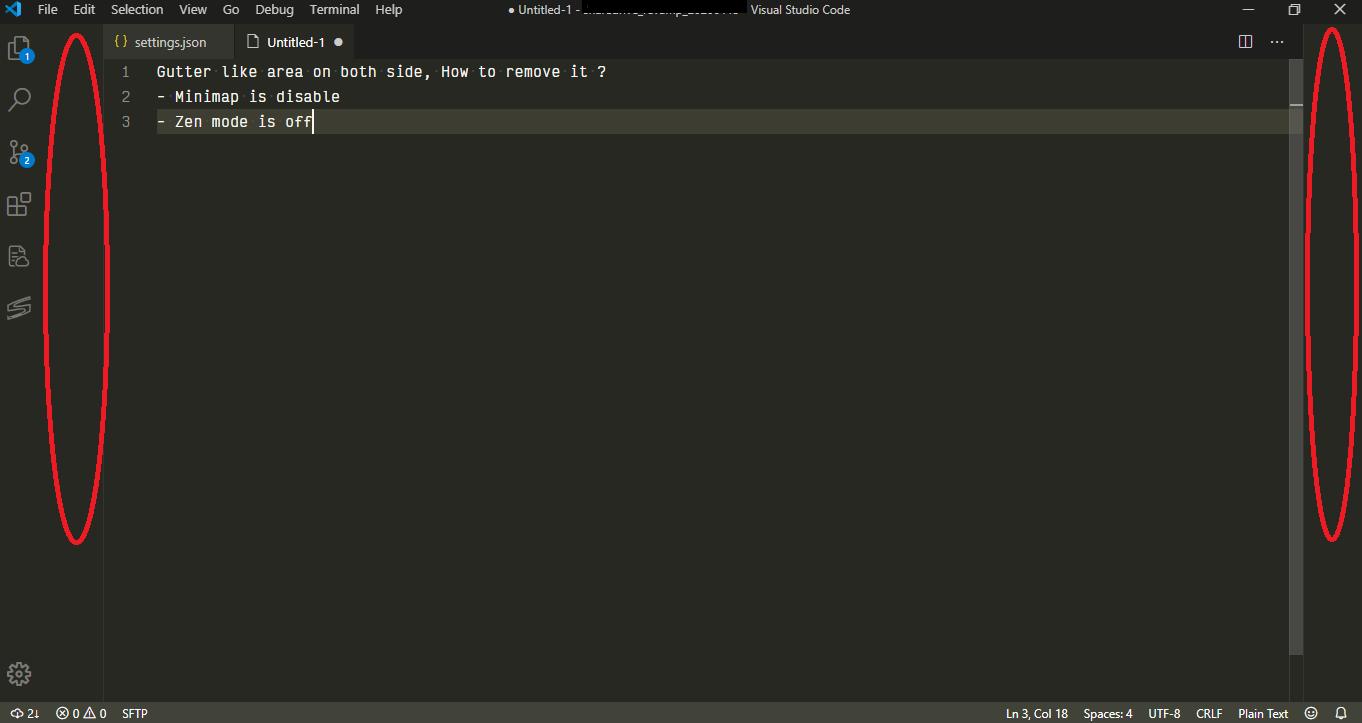
Note: I have tried basic troubleshooting like restarting, removing themes, removing all settings etc. I also tried solutions mentioned below, but those are not the gutters I am referring to
How can you disable Gutter Indicators in VS Code?
How do I change the Gutter Width in VS Code?
Answers
Edit
Obviously I missunderstood your question. You want to turn off that behaviour when you are not in zen mode. To do so press F1 and execute the command View: Toggle Centered Layout. I found the answer in one of VS Code's issues.
To turn off the centered layout in zen mode read the original answer.
Original answer
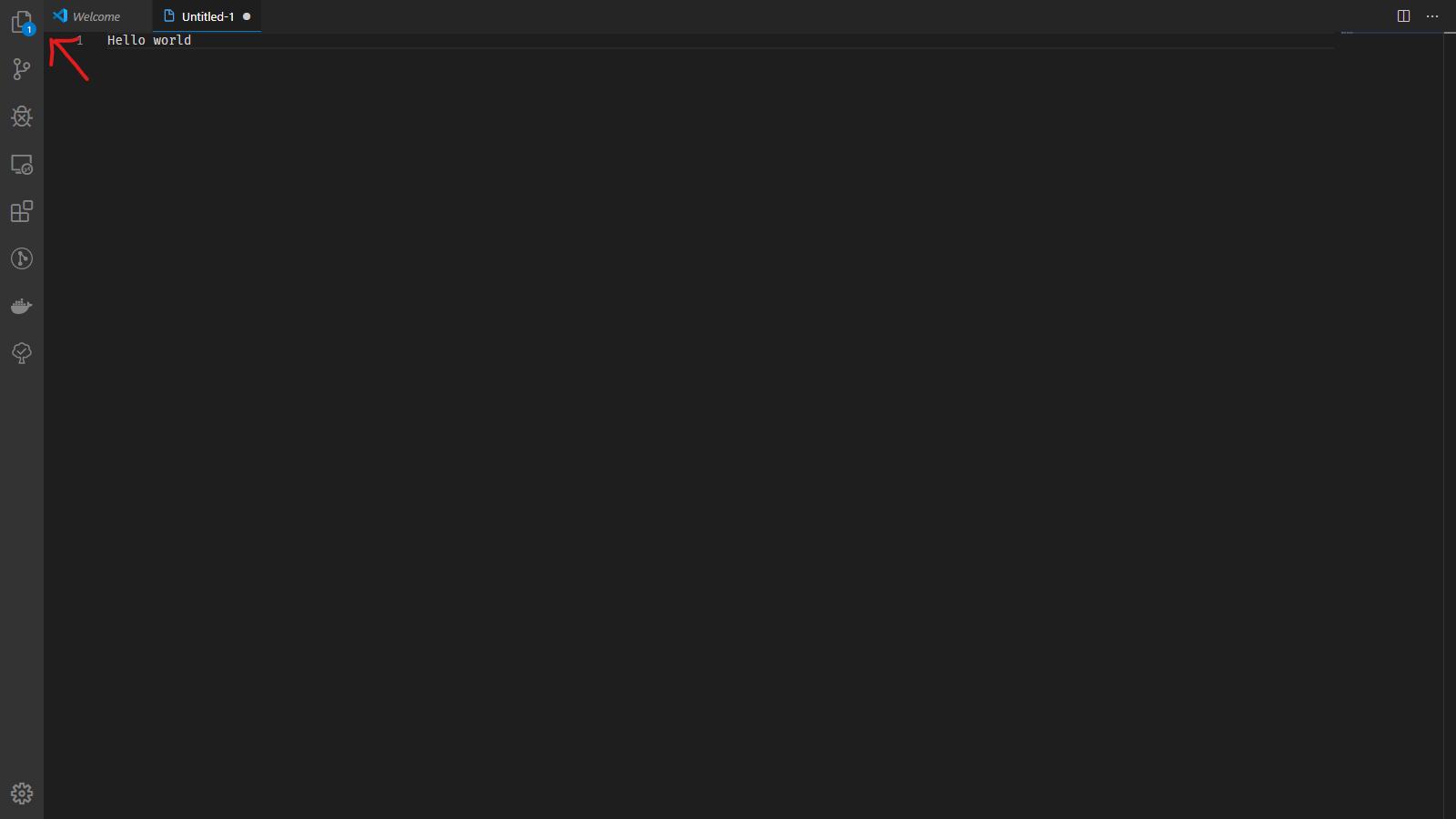
In your settings turn off the center layout for zen mode by unchecking the setting Zen Mode: Center Layout or if you prefer the json settings set
{
    "zenMode.centerLayout": false
}
Now there won't be any space between the activity bar and the first editor tab.
Screenshot:

开发云社区提供前沿行业资讯和优质的学习知识,同时提供优质稳定、价格优惠的云主机、数据库、网络、云储存等云服务产品
更多推荐
 0
0 0
0- 0


 已为社区贡献4439条内容

所有评论(0)