VSCode include path property not working properly
Answer a question
Backstory
-
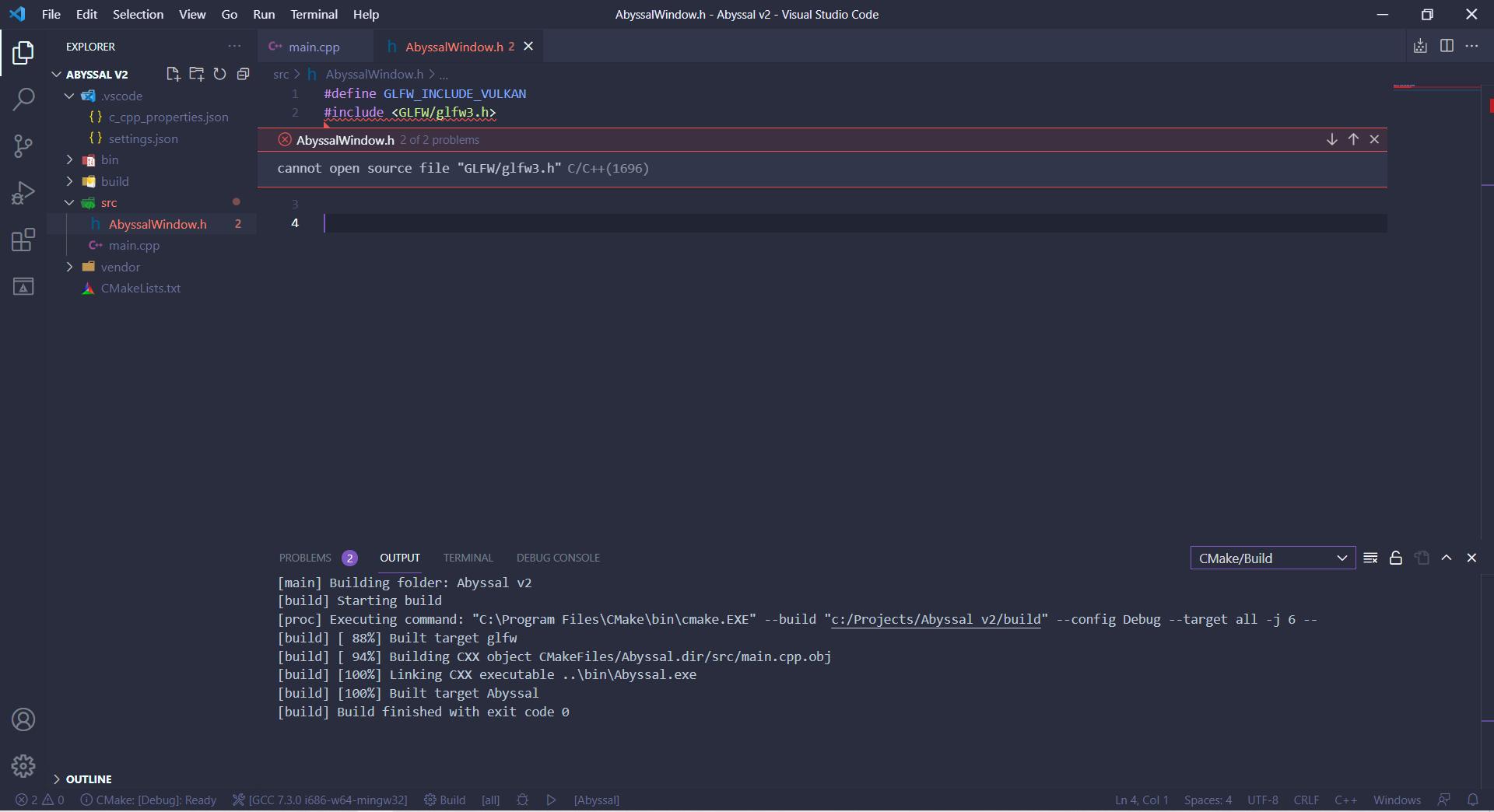
I'm making a small game engine project for self-learning/ I'm using the Vulkan Graphics API alongside GLFW, which I compile with CMake. Everything works fine during compile-time, but when writing code inside VSCode it gives me false errors saying
cannot open source file "GLFW/glfw3.h"C/C++(1696). Even though if I go ahead and compile and include it into the main file it works as intended. -
I have tried restarting VSCode, restarting my computer, rebuilding CMake, and deleting the cache, tried using
<>and""for including, and also using the VSCode suggestion of including it again in the CPP Properties file. -
Important note is that if I include the same code into my
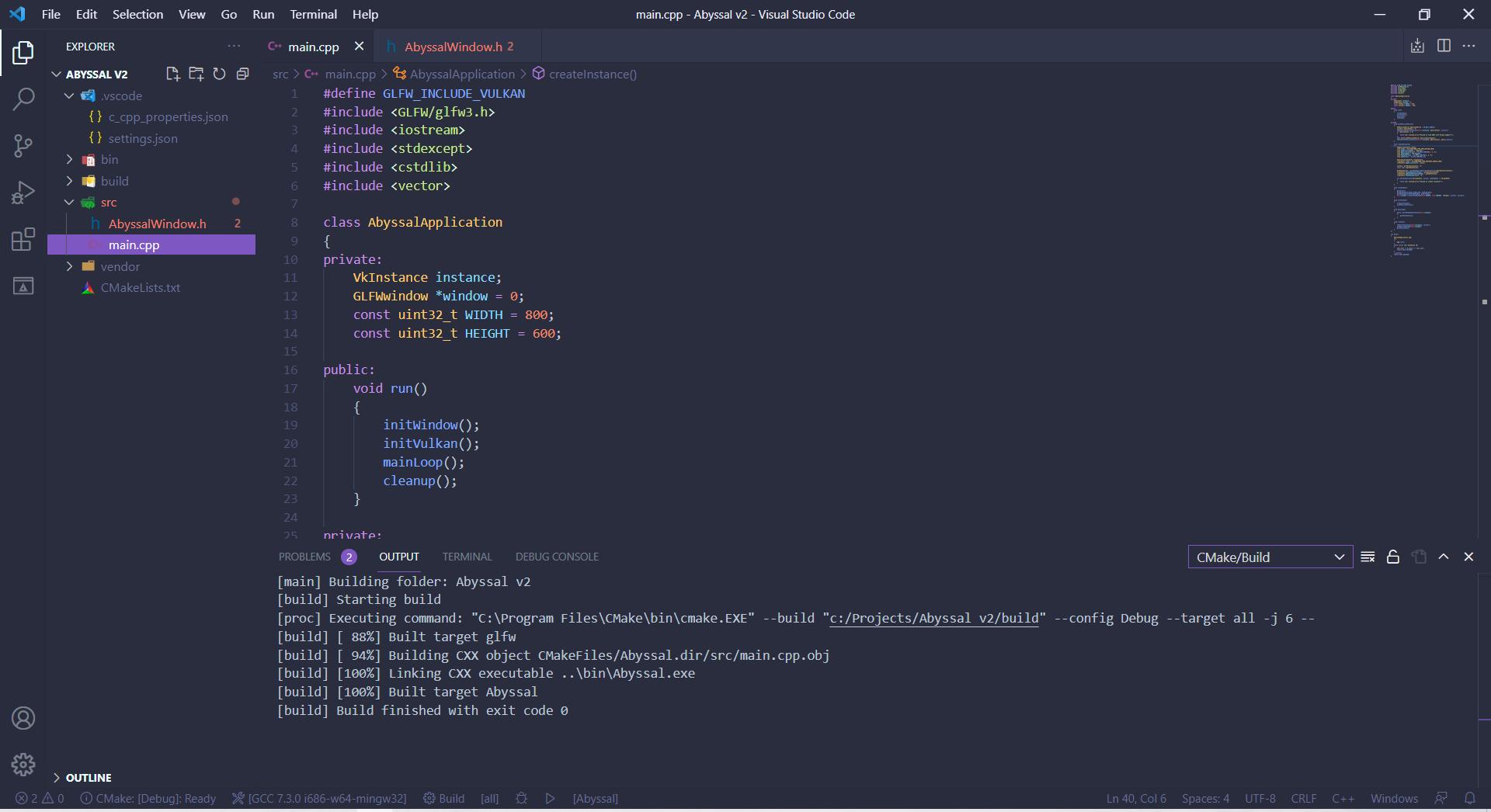
main.cppfile it all works fine, but the problem starts happening after I separating the code into separate files and try including GLFW.
File Structure:
+-> .vscode
| |
| +-> c_cpp_properties.json
| +-> settings.json
|
+-> bin
| |
| +-> Abyssal.exe
|
+-> build (CMake build files)
|
+-> src
| |
| +-> AbyssalWindow.h
| +-> main.cpp
|
+-> vendor (nothing inside this folder)
+-> CMakeLists.txt
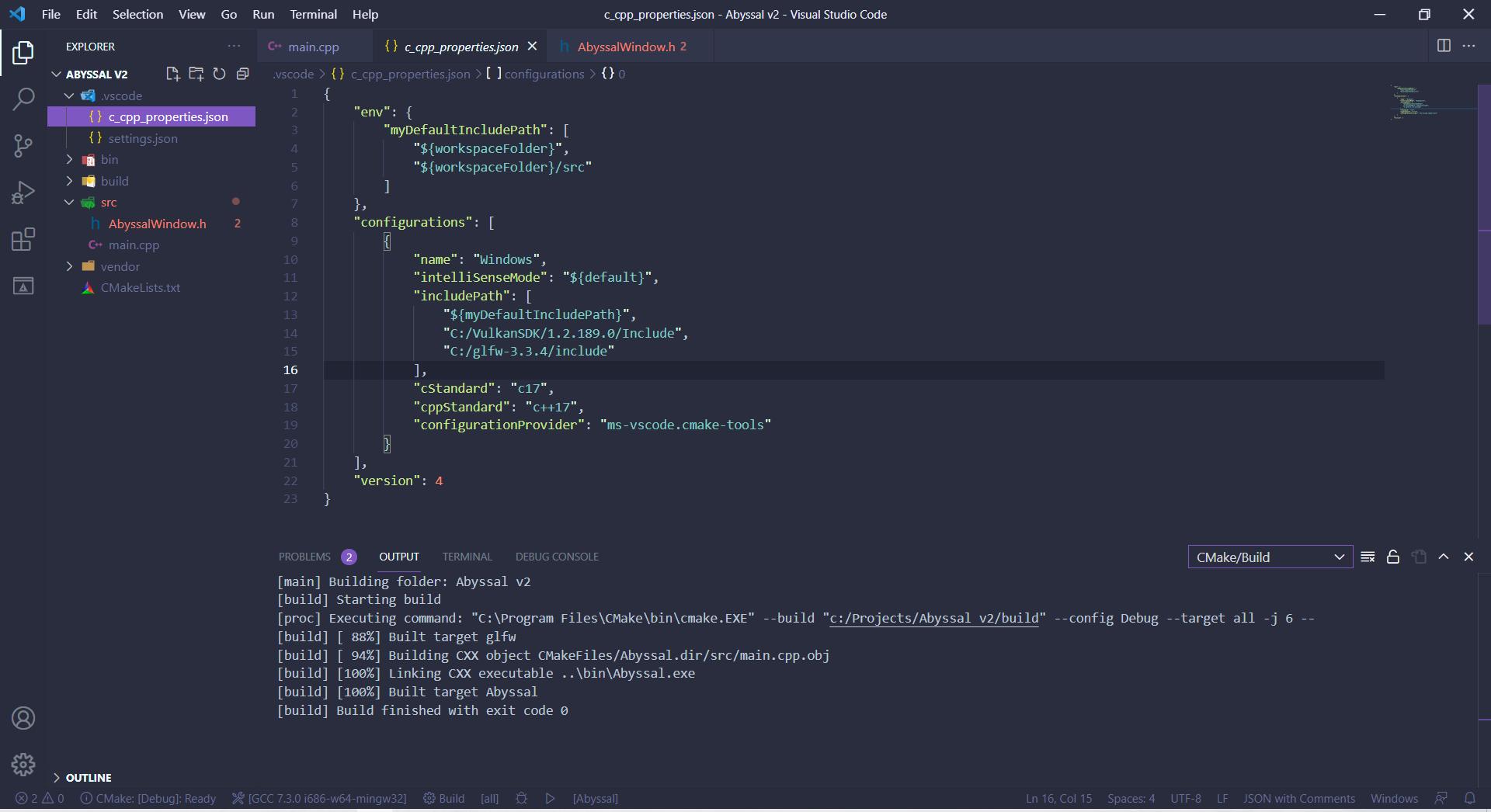
{
    "env": {
        "myDefaultIncludePath": [
            "${workspaceFolder}",
            "${workspaceFolder}/src"
        ]
    },
    "configurations": [
        {
            "name": "Windows",
            "intelliSenseMode": "${default}",
            "includePath": [
                "${myDefaultIncludePath}",
                "C:/VulkanSDK/1.2.189.0/Include",
                "C:/glfw-3.3.4/include"
            ],
            "cStandard": "c17",
            "cppStandard": "c++17",
            "configurationProvider": "ms-vscode.cmake-tools"
        }
    ],
    "version": 4
}
#define GLFW_INCLUDE_VULKAN
#include <GLFW/glfw3.h>
Answers
You say you want to use CMake as your buildsystem. I highly recommend keeping all your build settings in CMake then.
To convert your vscode config use:
set(CMAKE_C_STANDARD 17)
set(CMAKE_CXX_STANDARD 17)

# declare global include directories used by all targets
# by using 'SYSTEM' many compilers will hide internal warnings
include_directories(SYSTEM
  "C:/VulkanSDK/1.2.189.0/Include"
  "C:/glfw-3.3.4/include"
)
Remove the corresponding settings from your vscode config and add your newly created header files to your call to add_executable so vscode gets the include directories right for the file.
Instead of include_directories you could prefer
target_include_directories(YOURTARGET ...)
to be more specific/"modern".

开发云社区提供前沿行业资讯和优质的学习知识,同时提供优质稳定、价格优惠的云主机、数据库、网络、云储存等云服务产品
更多推荐
 0
0 0
0- 0


 已为社区贡献4439条内容

所有评论(0)