Prevent trailing and leading spaces in VS Code multiline comments
Answer a question
When multiline comment is added with Shift+Ctrl+A, trailing space is added at /* line, this may cause linter problems:

See https://github.com/microsoft/vscode/pull/41747
If you have
"editor.trimAutoWhitespace": true
when you save the file it will remove that trailing whitespace. Alternatively, using the command editor.action.trimTrailingWhitespace will also remove the trailing spaces in the file Ctrl-K Ctrl-X.
Modifying the built-in snippets is tricky since they can be overridden upon updates.
You could make a macro that deletes the space in one go. I presume you meant Shift-Alt-A: that is the command for toggling block comments on my vscode. You said Shift+Ctrl+A in your question which is unbound for me.
Using the extension multiCommand: (in your settings.json)
{
  "command": "multiCommand.blockComment",

  "sequence": [
     "editor.action.blockComment",
     "editor.action.trimTrailingWhitespace",
     "cancelSelection",
     "deleteRight"
   ]
},
Those last two commands get rid of the leading space before the */ as you requested.
In your keybindings.json:
{
  "key": "shift+alt+a",
  "command": "-editor.action.blockComment",
  "when": "editorTextFocus && !editorReadonly"
},
{
  "key": "shift+alt+a",
  "command": "multiCommand.blockComment",
},
And then invoke with Shift-Alt-A, toggling off still works too.
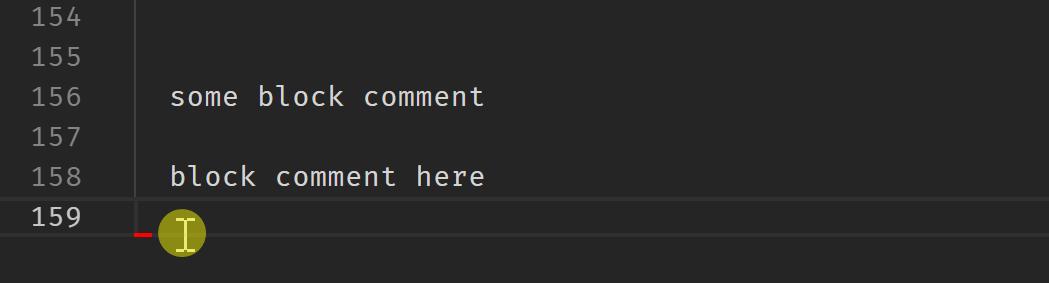 .
.
[The gif goes a little nuts on the entered keystrokes, it Is only Shift-Alt-A.]

开发云社区提供前沿行业资讯和优质的学习知识,同时提供优质稳定、价格优惠的云主机、数据库、网络、云储存等云服务产品
更多推荐
 0
0 0
0- 0


 已为社区贡献4439条内容

所有评论(0)