VS Code: How to convert snippet placeholder from camelCase to SCREAMING_SNAKE_CASE?
Answer a question
I'd like to create a VS Code snippet for creating redux reducers.
I would like to have a snippet with placeholder that expects camelCase and then transform a matching placeholder to SCREAMING_SNAKE_CASE.
Here's my attempted snippet, which is not working:
"test": {
    "prefix": "test",
    "body": "${1} -> ${1/([a-zA-Z])(?=[A-Z])/${1:/upcase}_/g}"
},
Which produces a non-desired result:
changeNetworkStatus -> changE_NetworK_Status
Desired Flow
-
type
test(name of snippet) -
hit tab to load the snippet.
-
type
changeNetworkStatusto result in:changeNetworkStatus -> changeNetworkStatus -
hit tab to get expected result of:
changeNetworkStatus -> CHANGE_NETWORK_STATUS
How can I change my snippet code to get the desired result?
Here's a related solution which requires a different flow.
Answers
Update: Keybinding version:
VScode is adding the editor.action.transformToSnakecase in v1.53 so the requested operation can be done easier without having to figure out the neccessary regex to make it work as shown in the previous answer. And because some people might find this question looking for snake case (snake-case) information.
What I show now is NOT a snippet however. You just type your text and then trigger the keybinding. The keybinding itself fires a macro extension command from the multi-command extension. In keybindings.json:
      {
        "key": "alt+3",                        // whatever keybinding you wish
        "command": "extension.multiCommand.execute",
        "args": {
          "sequence": [
            "cursorWordLeftSelect",            // select word you just typed
            "editor.action.transformToSnakecase",
            "editor.action.transformToUppercase",
            // "cursorLineEnd"                   // if you want this
          ]
        },
        "when": "editorTextFocus && !editorHasSelection"
      },
Demo of keybinding version:
Snippet version:
"camelCaseModify": {
    "prefix": "test",
    "body": [

       //  first inefficient try, works for up to three words
       //  "${1} -> ${1/^([a-z]*)([A-Z])([a-z]+)*([A-Z])*([a-z]+)*/${1:/upcase}_$2${3:/upcase}${4:+_}$4${5:/upcase}/g}"

       "${1} -> ${1/([a-z]*)(([A-Z])+([a-z]+))?/${1:/upcase}${2:+_}$3${4:/upcase}/g}",

// here is an especially gnarly version to handle edge cases like 'thisISABCTest' and trailing _'s
       "${1} -> ${1/([a-z]+)(?=[A-Z])|([A-Z])(?=[A-Z])|([A-Z][a-z]+)(?=$)|([A-Z][a-z]+)|([a-z]+)(?=$)/${1:/upcase}${1:+_}$2${2:+_}${3:/upcase}${4:/upcase}${4:+_}${5:/upcase}/g}"

    ],
    "description": "underscore separators"
},
This works with any number of camelCase words, from one to infinity...
The ${2:+_} means "if there is a capture group 2 then append an underscore." If there isn't a second word/capture group then groups 3 and 4 will be empty anyway because they are within capture group 2. Capture Group 2 is always the next Word (that starts with one capital and followed by at least one small letter).
for example, using changeNetworkStatus:
Match 1

Full match    0-13    `changeNetwork`
Group 1.      0-6     `change`
Group 2.      6-13    `Network`
Group 3.      6-7     `N`
Group 4.      7-13    `etwork`

Match 2

Full match    13-19    `Status`
Group 1.      13-13     ``
Group 2.      13-19     `Status`
Group 3.      13-14     `S`
Group 4.      14-19     `tatus`

Match 3

Full match    19-19    ``
Group 1.      19-19    ``
Sample Output:
abcd -> ABCD
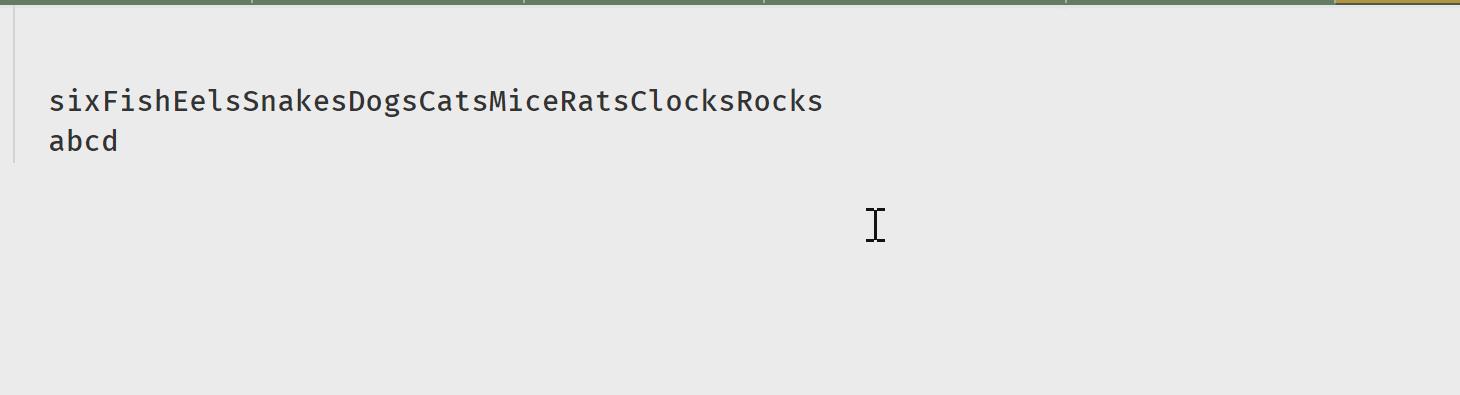
twoFish -> TWO_FISH
threeFishMore -> THREE_FISH_MORE
fourFishOneMore -> FOUR_FISH_ONE_MORE
fiveFishTwoMoreFish -> FIVE_FISH_TWO_MORE_FISH
sixFishEelsSnakesDogsCatsMiceRatsClocksRocks -> SIX_FISH_EELS_SNAKES_DOGS_CATS_MICE_RATS_CLOCKS_ROCKS
Using regex101.com really helps to visualize what is going on!

开发云社区提供前沿行业资讯和优质的学习知识,同时提供优质稳定、价格优惠的云主机、数据库、网络、云储存等云服务产品
更多推荐
 0
0 0
0- 0


 已为社区贡献4439条内容

所有评论(0)