

I am trying to stream my webcam with audio from microphone of laptop(OS: windows 7 ) to nginx server (Compiled with rtmp module in CentOS 6.6 final) in same local network. From my laptop, I execute this command in CMD:
ffmpeg -f dshow -i video="Toshiba Webcam" -f dshow -i audio="Microphone (Périphérique High D" -vf scale=1280:720 -vcodec libx264 -r 60.97 -acodec libvo_aacenc -ac 2 -ar 44100 -ab 128 -pix_fmt yuv420p -tune zerolatency -preset ultrafast -f flv "rtmp://172.16.40.162/dash/test"
But I got this message: 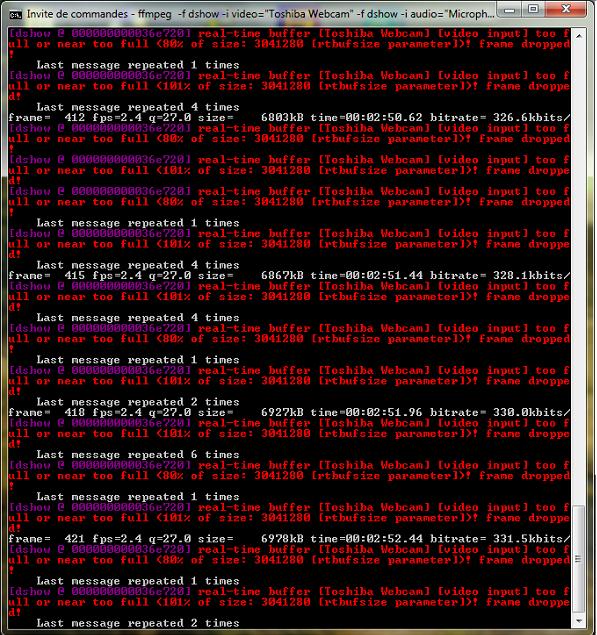
And I had about retard delay of 23 second when I open http://localhost:8080 ( I made the indx.html file of nginx with JWPlayer)
So my questions are:
How can I improve the ffmpeg cmd to avoid the errors of buffer too full?
How eliminate or reduce the latency ?
Thanks for your help.


 已为社区贡献15557条内容

所有评论(0)