
Dockerfile方式部署pip2pi及维护案例
·
Dockerfile
FROM suadminwen/python3-ubuntu:latest
WORKDIR /root/
RUN pip install pip2pi
RUN mkdir -p /data/wheelhouse
RUN apt update \
    && apt install nginx -y
COPY ./nginx-pipsvr.conf /etc/nginx/sites-enabled/default
COPY ./run.sh /root/
EXPOSE 80
CMD ["nginx", "-g", "daemon off;"]
#CMD ["bash","run.sh"]
#ENTRYPOINT ["bash","run.sh"]
docker-compose.yml
services:
  pipsvr:
    container_name: pipsvr
    build:
      context: .
    ports:
       - 81:80
    volumes:
       - /data/devpi3/wheelhouse:/data/wheelhouse
docker-compose up --build
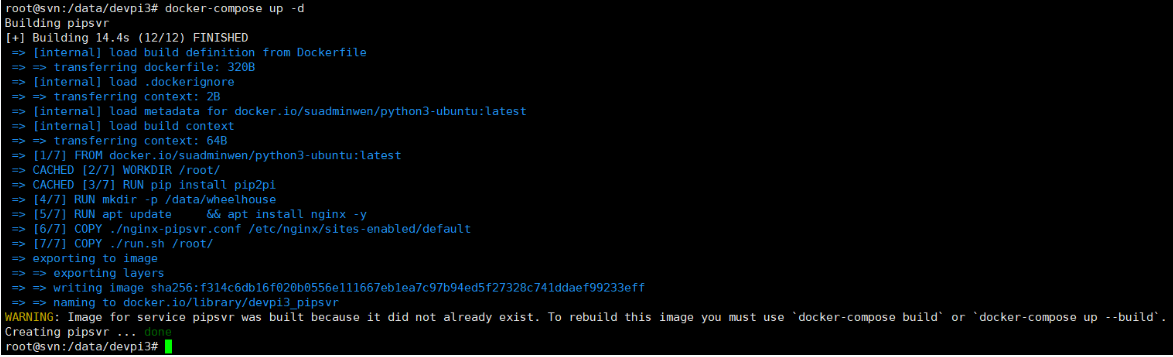
run.sh
echo -e 'start nginx' nginx -g 'daemon off;'nginx-pipsvr.conf
server {
      server_name 0.0.0.0;
      listen 80;
      gzip on;
      gzip_min_length 2000;
      gzip_proxied any;
      gzip_types application/json;
      proxy_read_timeout 600s;
      client_max_body_size 4096M;
      autoindex on;
      charset utf-8;
      # set to where your pip-server state is on the filesystem
      root /data/wheelhouse;
}
直接运行文件
docker-compose.yaml
version: '2.4'
services:
  pipsvr:
    container_name: pipsvr
    image: devpi3_pipsvr:latest
    volumes:
      - /data/devpi3/wheelhouse:/data/wheelhouse
      - /etc/localtime:/etc/localtime:ro
    privileged: true
    ports:
      - "81:80"
    networks:
      - monitor
    restart: 'always'
networks:
  monitor:
    external: true
需要先拷贝whl文件到映射路径上
#进入容器
docker exec -it pipsvr /bin/bash
#创建索引 (如有文件更新,则需要更新索引)
dir2pi /data/wheelhouse
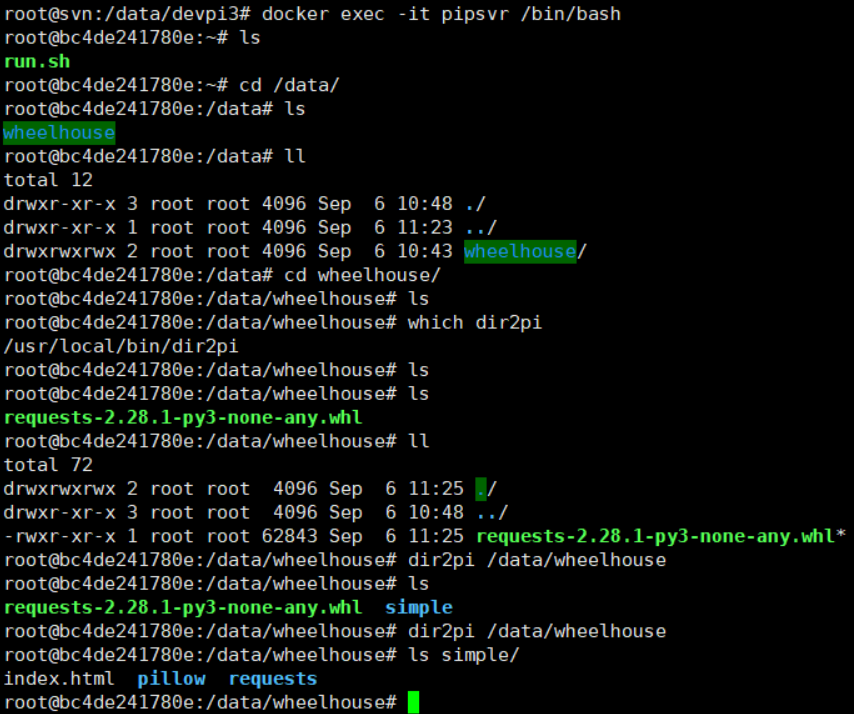
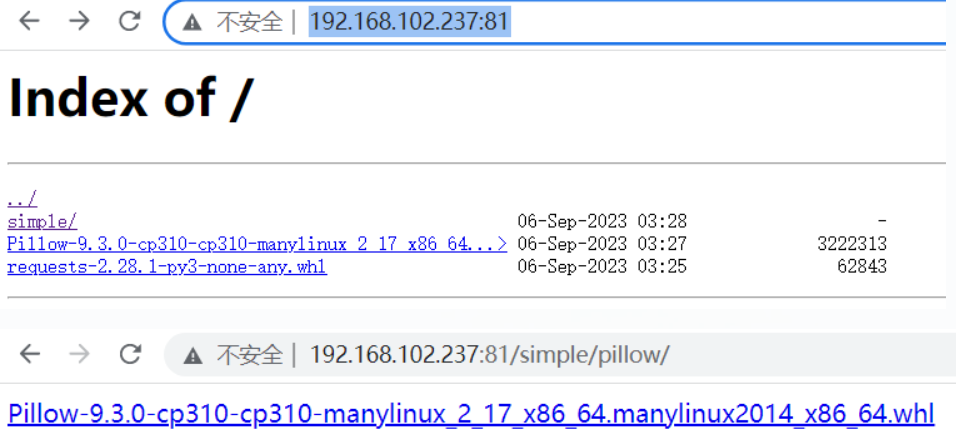
#访问验证
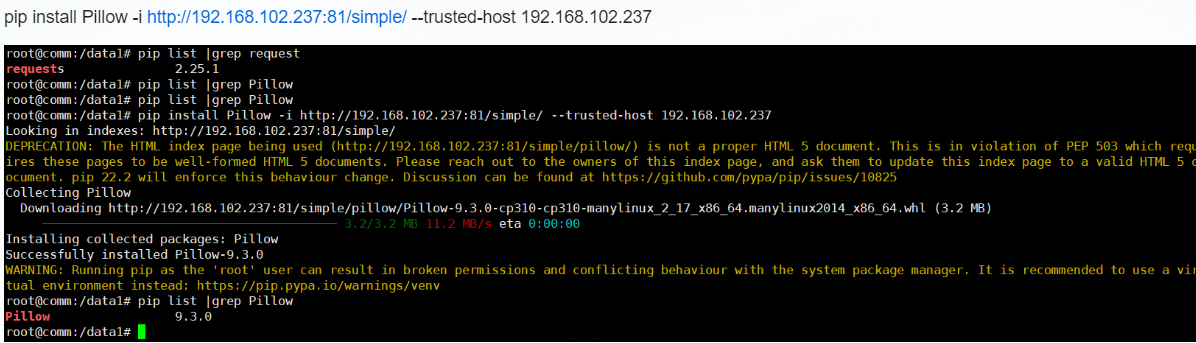
 #其他节点上安装验证
#删除
pip uninstall Pillow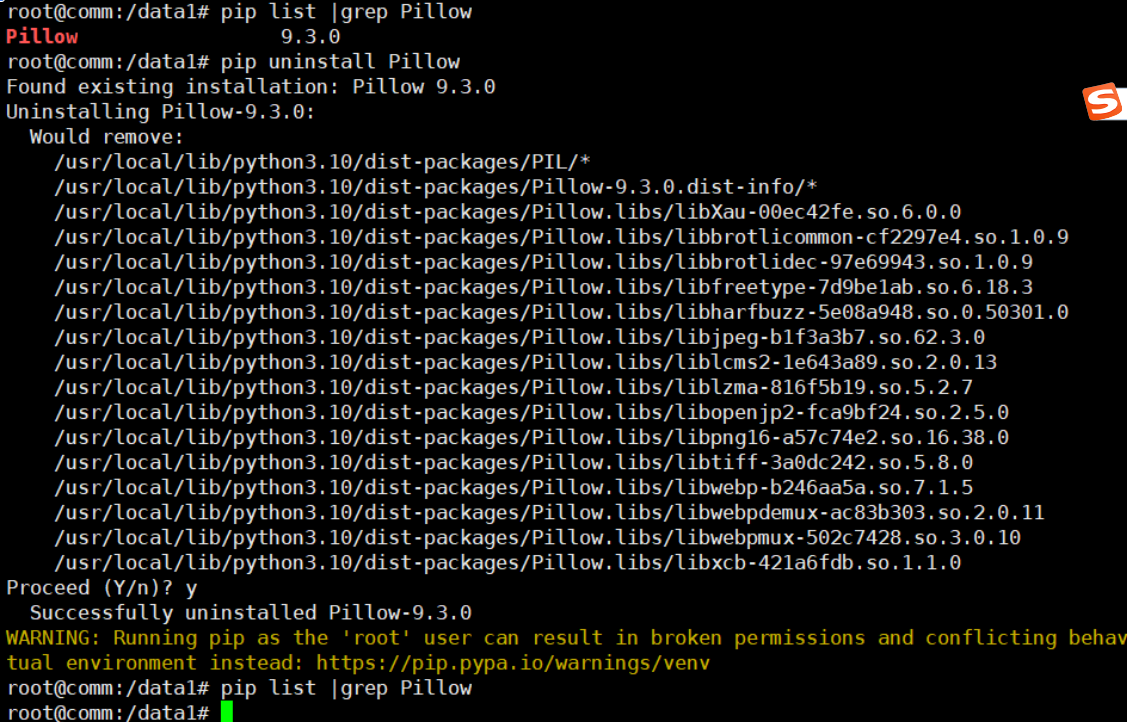
更新镜像
docker tag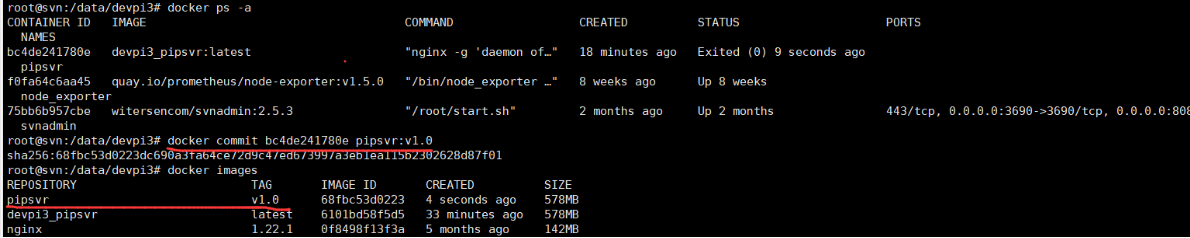
更多推荐
 1
1 0
0- 0


 已为社区贡献17条内容

所有评论(0)