
huggingface调用本地 大模型
·
1、登录huggingface官网
2、下载相应的开源大模型,以qwen2.5为例
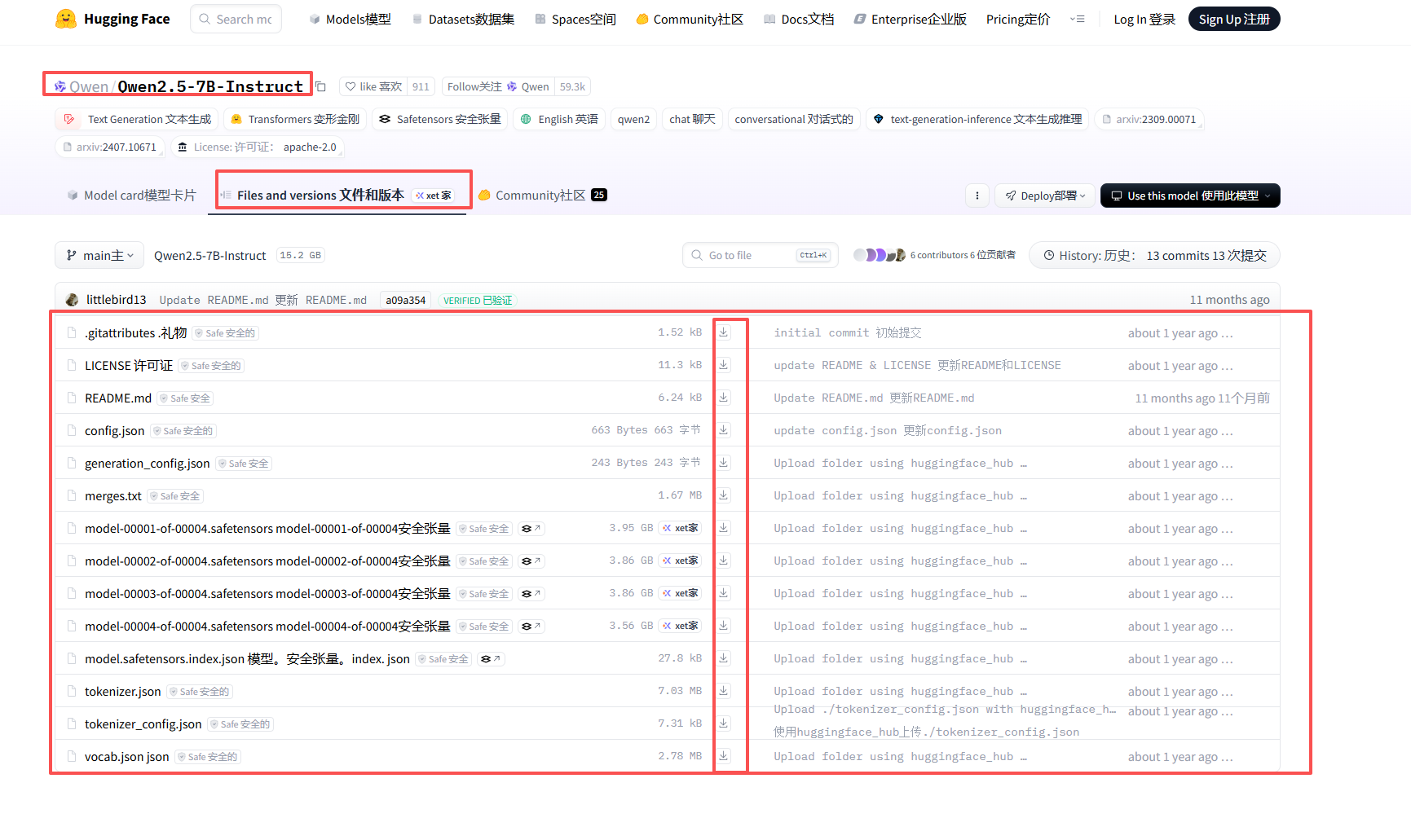
下载所有的相关文件,在本地使用如下代码进行调用
from transformers import AutoTokenizer, AutoModelForCausalLM, pipeline
from langchain_huggingface.llms import HuggingFacePipeline
from langchain_core.prompts import PromptTemplate

# 加载本地模型
local_model_path = "./Qwen2.5-1.5B-Instruct"
tokenizer = AutoTokenizer.from_pretrained(local_model_path, trust_remote_code=True)
# 添加 device_map="auto" 自动将模型加载到可用的 GPU 上
model = AutoModelForCausalLM.from_pretrained(local_model_path, device_map="auto", trust_remote_code=True)
tokenizer.pad_token = tokenizer.eos_token

# 创建管道
pipe = pipeline(
    "text-generation",
    model=model,
    tokenizer=tokenizer,
    max_new_tokens=1024,  # 建议调小一点,10000可能会导致显存不足
    pad_token_id=tokenizer.eos_token_id
)

# 直接使用 HuggingFacePipeline
llm = HuggingFacePipeline(pipeline=pipe)

# 构建 prompt 并调用
prompt = PromptTemplate(input_variables=["question"], template="{question}")
chain = prompt | llm

if __name__ == "__main__":
    while True:
        print("请输入聊天内容:")
        content = input()
        if content.lower() in ["exit", "quit"]:
            print("再见!")
            break
        try:
            response = chain.invoke({"question": content})
            print(response)
        except Exception as e:
print(f"发生错误: {e}")更多推荐

 2
2 0
0- 0


 已为社区贡献3条内容

所有评论(0)