
使用Docker安装IT-Tools
·
1、demo
详见:https://it-tools.tech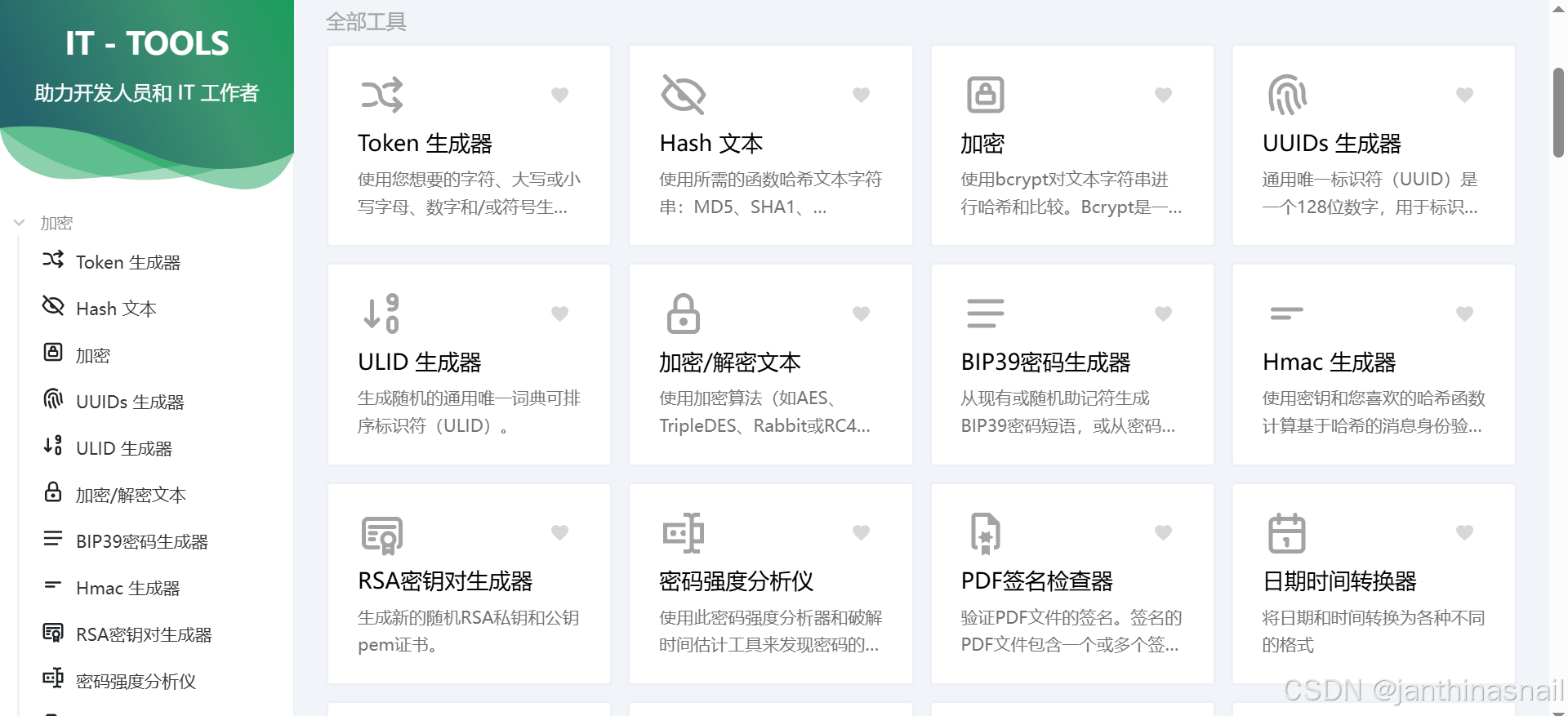
2、安装Docker
3、安装IT-Tools
详见:https://github.com/CorentinTh/it-tools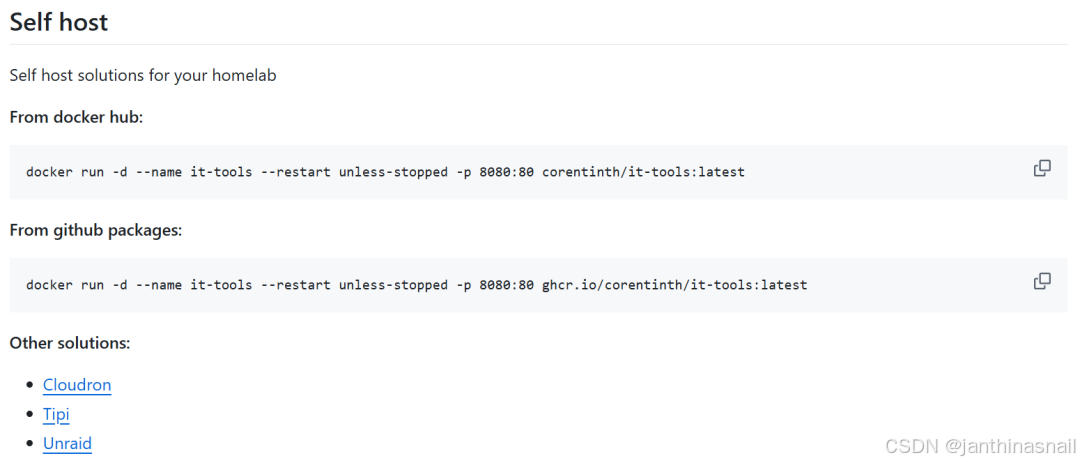
运行容器:
docker run -d --name it-tools --restart unless-stopped -p 8080:80 corentinth/it-tools:latest查看容器列表:
docker ps停止容器:
docker stop it-tools删除容器:
docker rm it-tools删除镜像:
docker rmi corentinth/it-tools:latest4、浏览器访问
假设当前ip为192.168.186.128
浏览器访问:http://192.168.186.128:8080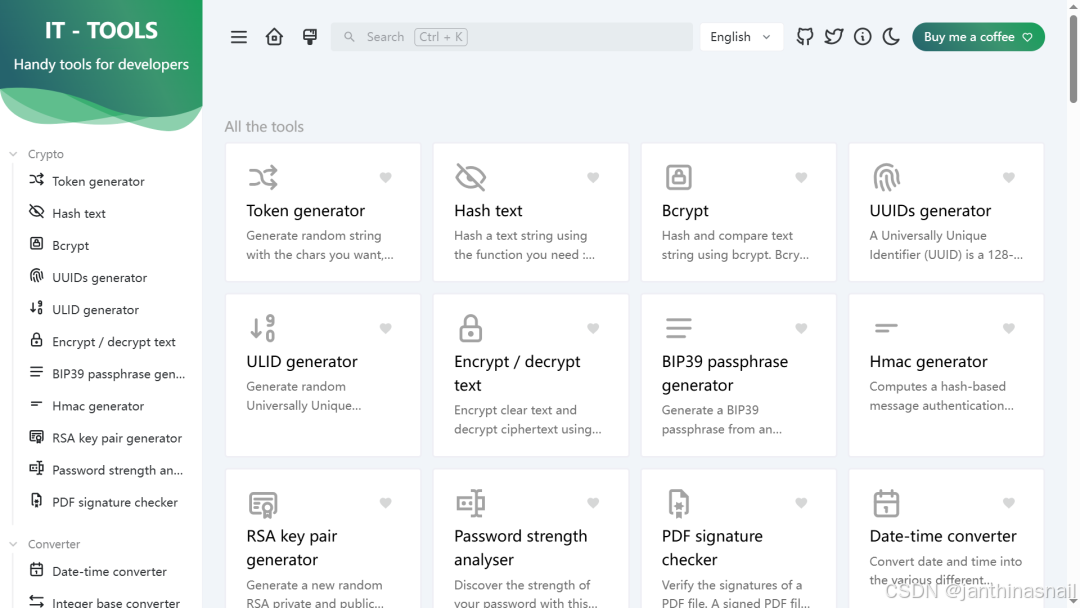
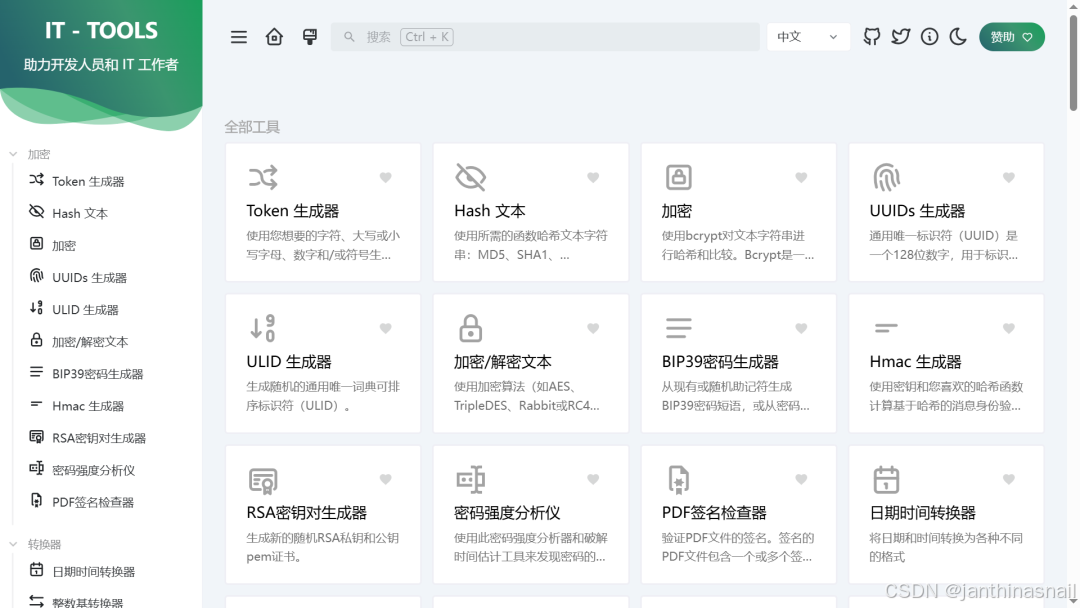
5、详见
https://it-tools.tech
https://github.com/CorentinTh/it-tools
https://mp.weixin.qq.com/s/b4ZI_eDaw_Hfud_62Uie7A
更多推荐


 3
3 0
0- 0


 已为社区贡献12条内容

所有评论(0)