
RTX 5090跑本地模型Qwen 3.6 27B
·
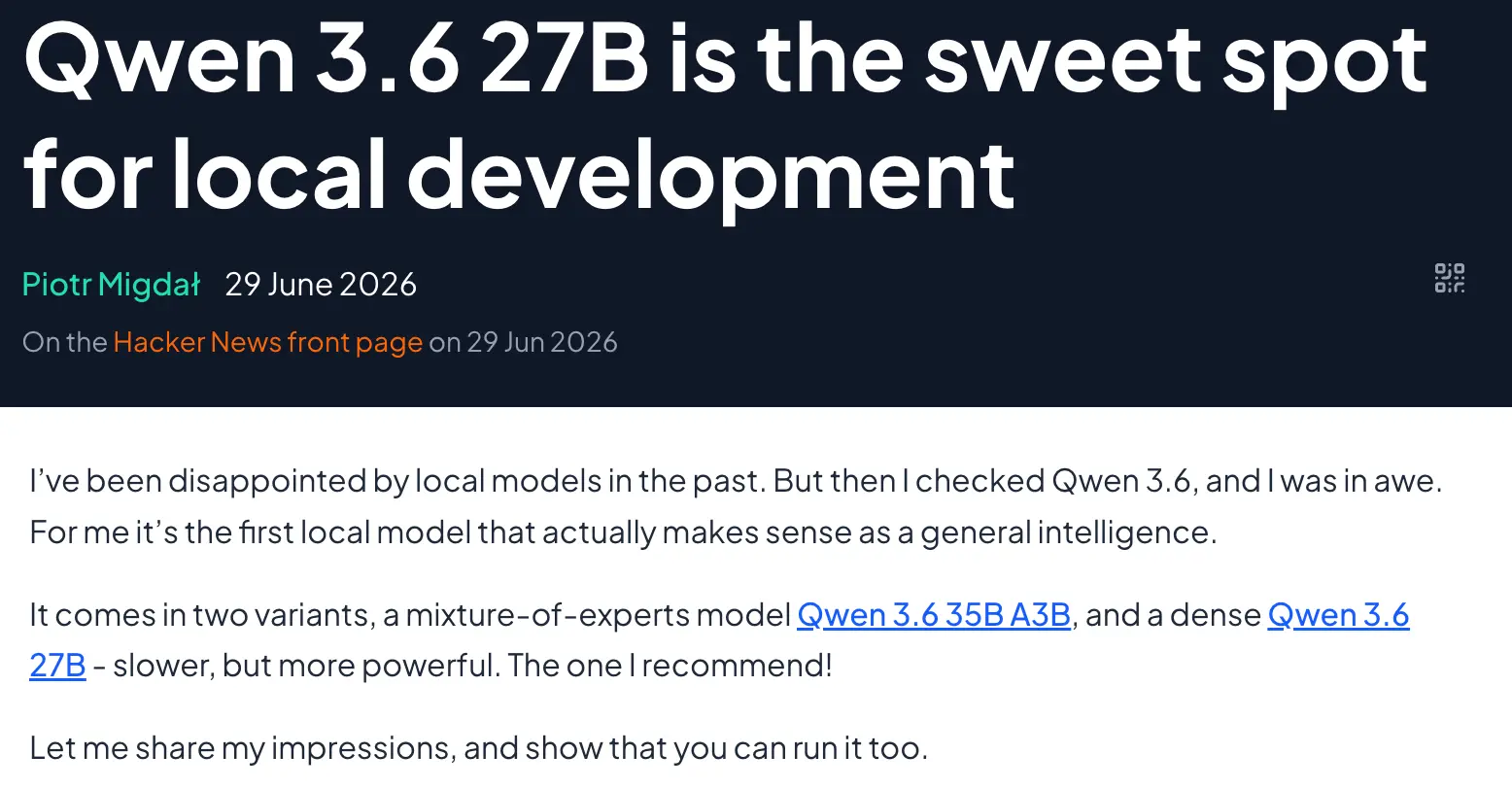
使用unsloth 的 8-bit GGUF 量化版,llama.cpp 部署, Qwen 3.6 27B 和 35B A3B MoE 部署本地电脑,相当于GPT-5 或 Claude Sonnet 4.5
llama.cpp 部署环境而非 Ollama,服务端一行命令:llama-server -hf unsloth/Qwen3.6-27B-MTP-GGUF:Q8_0 --spec-type draft-mtp -ngl 999 -fa on -c 65536,OpenCode 挂上去直接写代码
llama-server -hf unsloth/Qwen3.6-27B-MTP-GGUF:Q8_0 \
    --spec-type draft-mtp -ngl 999 -fa on -c 65536 --port 8080
What it does:
-hf unsloth/Qwen3.6-27B-MTP-GGUF:Q8_0grabs from Hugging Face, on the next runs will reuse that-m ~/models/Qwen3.6-27B-Q8_0.ggufuse instead if you already have itdraft-mtpwe use a fast model to predict subsequent tokens, speeds up things-ngl 999for putting all layers to GPU-fa onflash attention is on-c 65536context size set to 64k tokens (this we can tweak, as Qwen 3.6 27B native context is 256k)--port 8080better to pin port, as it will be used by other configs
If you open http://127.0.0.1:8080, you can directly chat with it.
配置~/.config/opencode/opencode.jsonc 文件
{
  "$schema": "https://opencode.ai/config.json",
  "provider": {
    "llama": {
      "name": "llama.cpp (local)",
      "npm": "@ai-sdk/openai-compatible",
      "options": {
        "baseURL": "http://127.0.0.1:8080/v1",
        "apiKey": "local"
      },
      "models": {
        "qwen3.6-27b": { "name": "Qwen3.6-27B Q8 +MTP" }
      }
    }
  },
  "model": "llama/qwen3.6-27b"
}
llama-cli -hf unsloth/Qwen3.6-27B-MTP-GGUF:Q8_0 \
-ngl 999 -fa on -c 65536参考
Qwen 3.6 27B is the sweet spot for local development - Quesma Blog
更多推荐



 6
6 0
0- 0


 已为社区贡献1条内容

所有评论(0)