
Claude Code 下载安装,配置国内模型
环境
Win11
一、相关链接
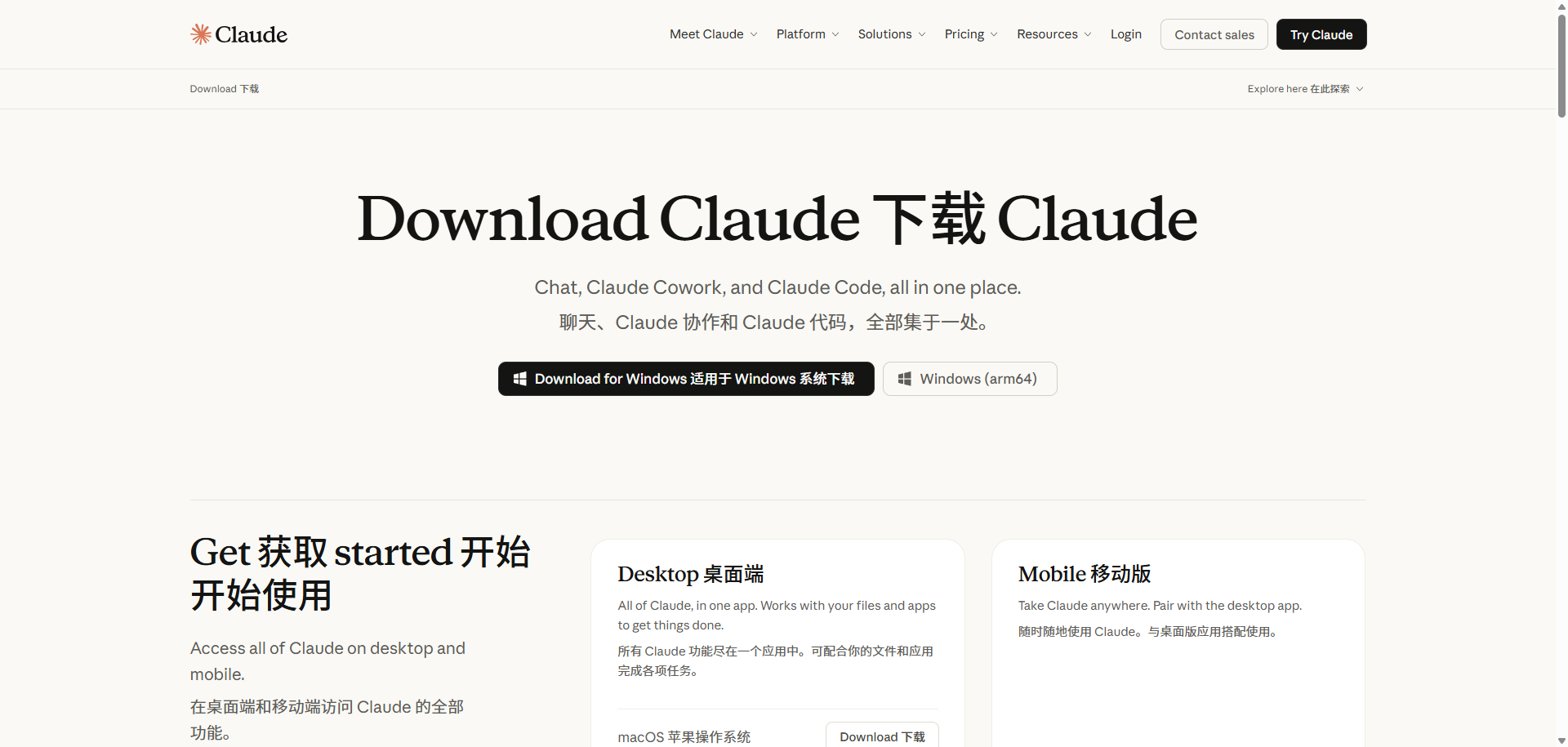
下载
Claude Code 主要有Terminal (Cli,黑白窗口)和Desktop(桌面端),还有VS Code、Cursor、JetBrains扩展(插件),还有网页版。
文档
https://code.claude.com/docs/en/overview
二、Terminal (Cli)安装使用
安装
Powershell
irm https://claude.ai/install.ps1 | iex
安装报错
(base) PS C:\Users\admin> irm https://claude.ai/install.ps1 | iex
Setting up Claude Code...

✘ Installation failed

Failed to fetch version from https://downloads.claude.ai/claude-code-releases/latest after 3 attempt(s): connect ECONNREFUSED 35.190.46.17:443


Try running with --force to override checks
irm https://claude.ai/install.ps1 | iex : Installation failed (exit code 1)
所在位置 行:104 字符: 5
+     Write-Error "Installation failed (exit code $installExitCode)"
+     ~~~~~~~~~~~~~~~~~~~~~~~~~~~~~~~~~~~~~~~~~~~~~~~~~~~~~~~~~~~~~~
    + CategoryInfo          : NotSpecified: (:) [Write-Error], WriteErrorException
    + FullyQualifiedErrorId : Microsoft.PowerShell.Commands.WriteErrorException

(base) PS C:\Users\admin> irm https://claude.ai/install.ps1 | iex
irm : 无法连接到远程服务器
所在位置 行:1 字符: 1
+ irm https://claude.ai/install.ps1 | iex
+ ~~~~~~~~~~~~~~~~~~~~~~~~~~~~~~~~~
    + CategoryInfo          : InvalidOperation: (System.Net.HttpWebRequest:HttpWebRequest) [Invoke-RestMethod],WebException
    + FullyQualifiedErrorId : WebCmdletWebResponseException,Microsoft.PowerShell.Commands.InvokeRestMethodCommand
打开网络代理,并给命令行配置代理
(base) PS C:\Users\admin> $env:HTTP_PROXY = "http://127.0.0.1:7897"
(base) PS C:\Users\admin> $env:HTTPS_PROXY = "http://127.0.0.1:7897"
(base) PS C:\Users\admin> irm https://claude.ai/install.ps1 | iex
Setting up Claude Code...
✔ Claude Code successfully installed!
Version: 2.1.220
Location: C:\Users\admin\.local\bin\claude.exe
Next: Run claude --help to get started
✅ Installation complete!
配置国内模型
CC Switch 下载安装配置,Claude Code切换国内模型
使用测试
使用cmd
切换工作目录
C:\Users\admin>D:
D:\>cd D:\CCProjects\project1
使用claude命令
D:\CCProjects\project1>claude
────────────────────────────────────────────────────────────
Accessing workspace:
C:\Users\admin
Quick safety check: Is this a project you created or one you trust? (Like your own code, a well-known open source project, or work from your team). If not, take a moment to review what's in this folder
first.
Claude Code'll be able to read, edit, and execute files here.
Security guide
❯ 1. Yes, I trust this folder
2. No, exit
Enter to confirm · Esc to cancel
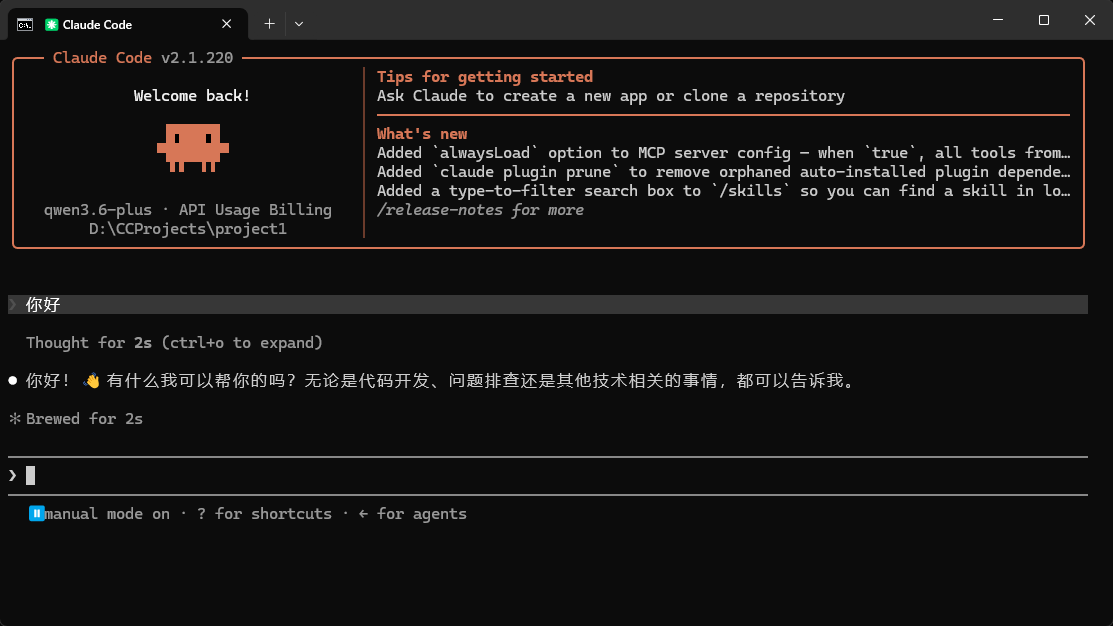
输入/exit,退出
三、Desktop(桌面端)安装
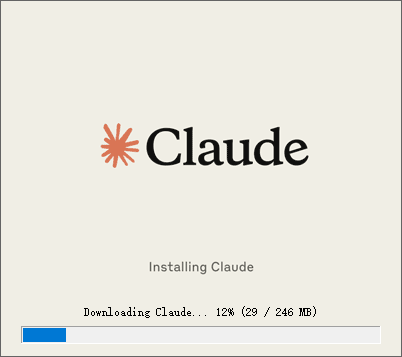
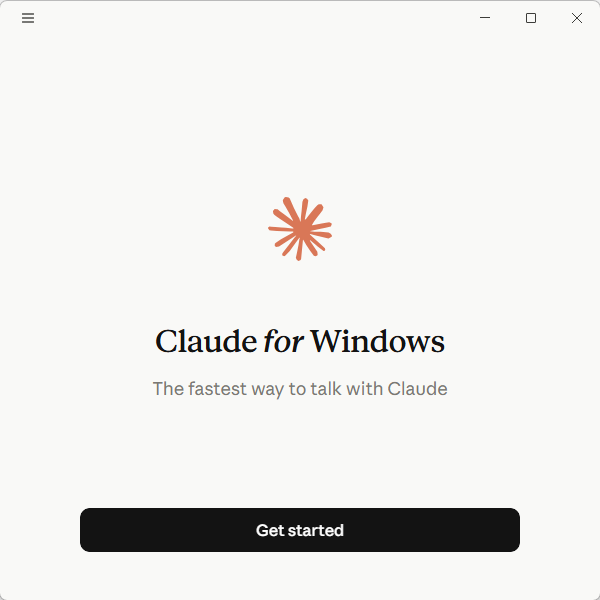
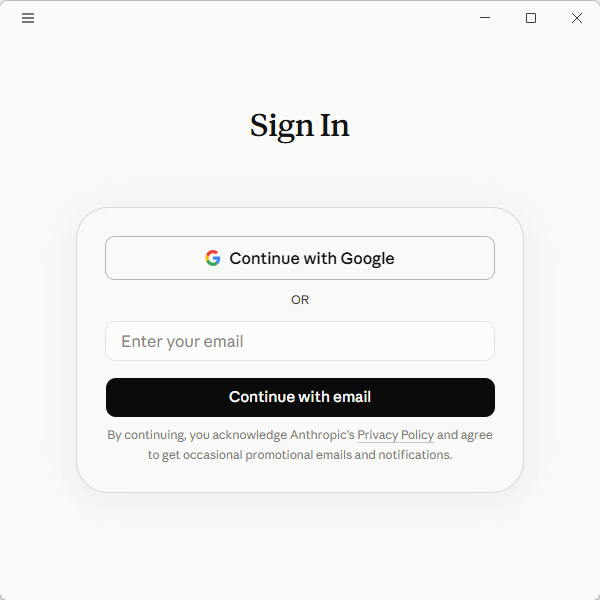
没有账号,暂时先放弃吧
更多推荐
 6
6 0
0- 0


 已为社区贡献3条内容

所有评论(0)