
openclaw-ollama的安装以及模型下载
·
配置本地 Ollama 模型
一、下载、安装、配置 Ollama
1、下载 Ollama
# 官网(点击 Download 下载对应系统安装包)
https://ollama.com/
2、安装 Ollama
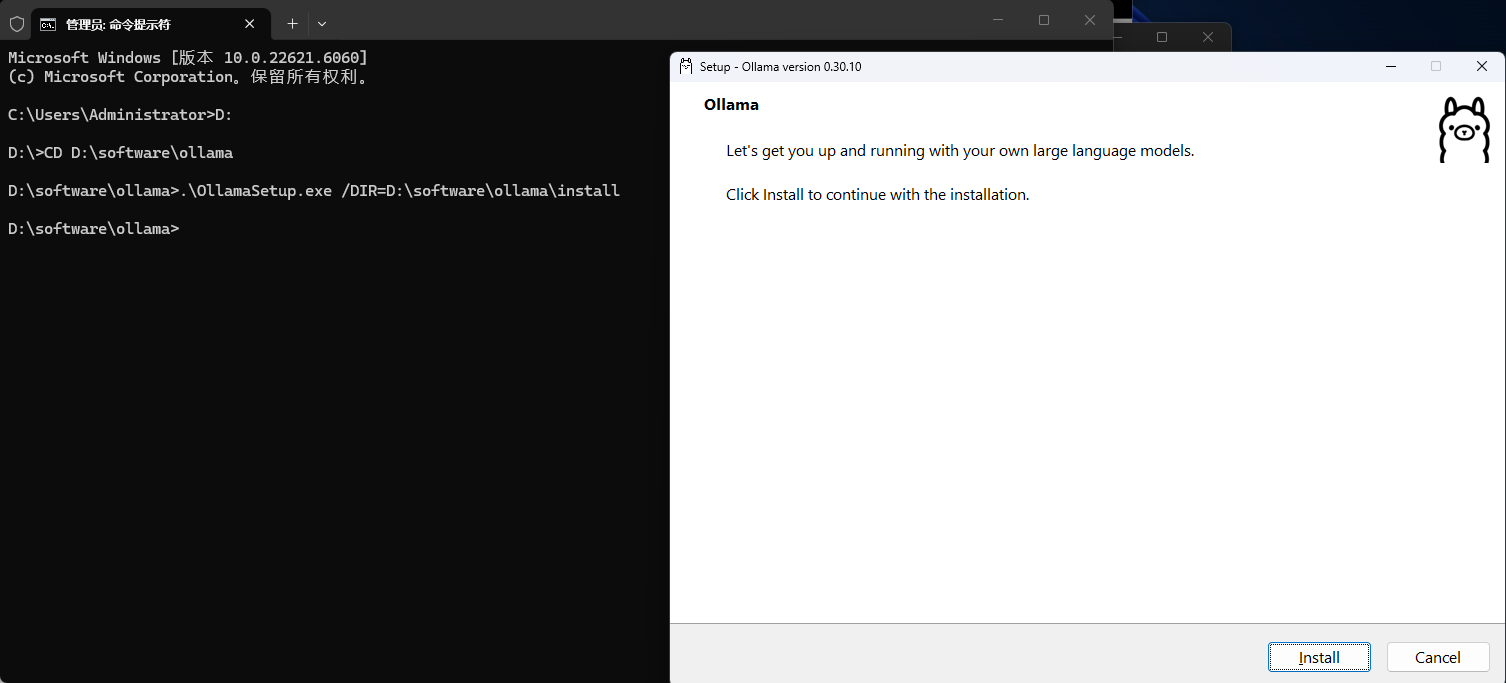
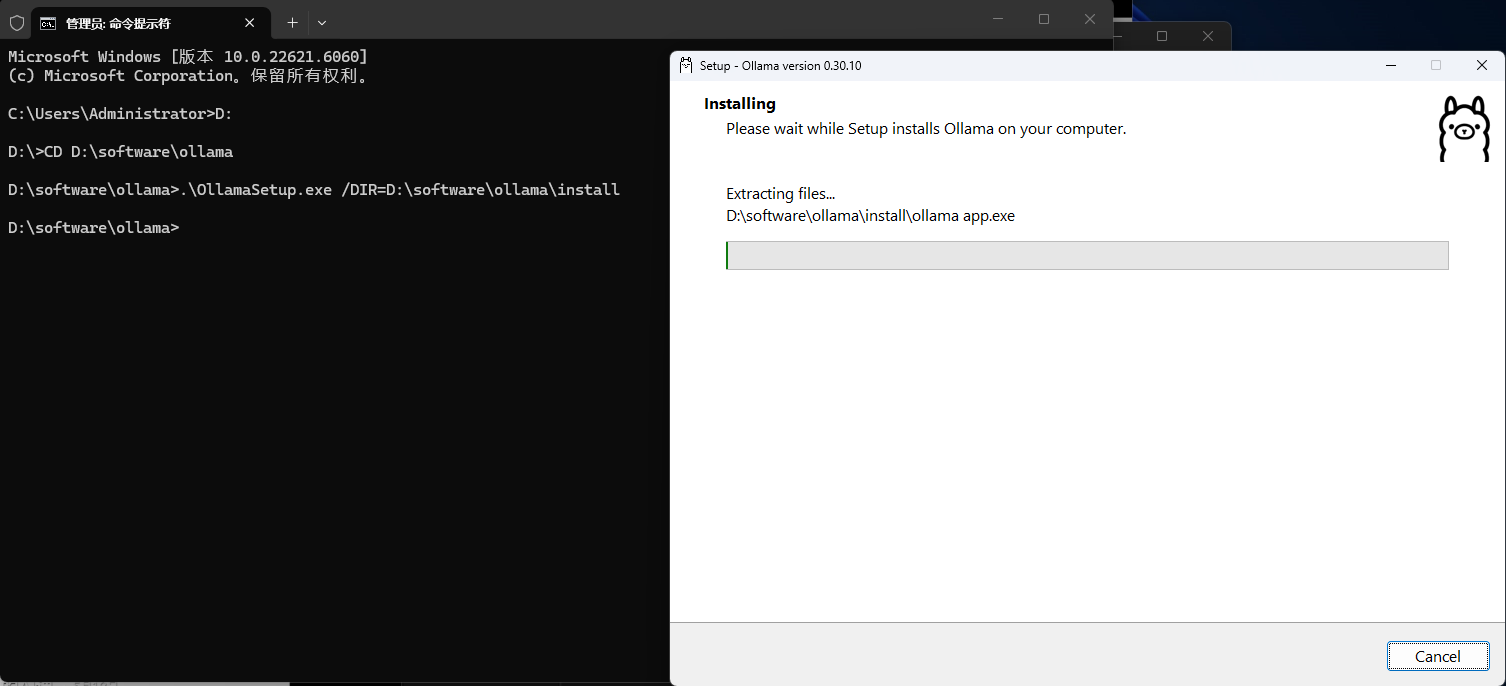
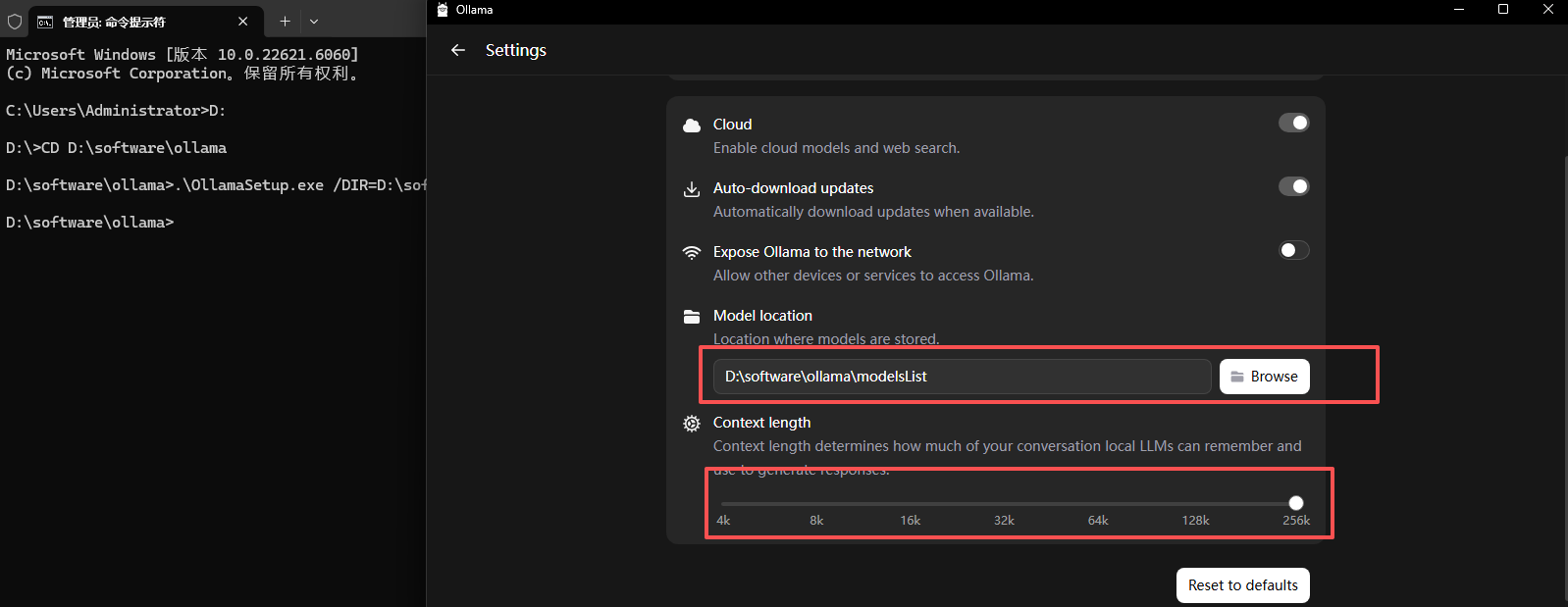
默认安装到 C 盘,如需安装到其他盘符,可使用以下方法:
- 进入 Ollama 安装包所在盘符
- 执行如下命令指定安装目录:
.\OllamaSetup.exe /DIR=D:\software\ollama\install
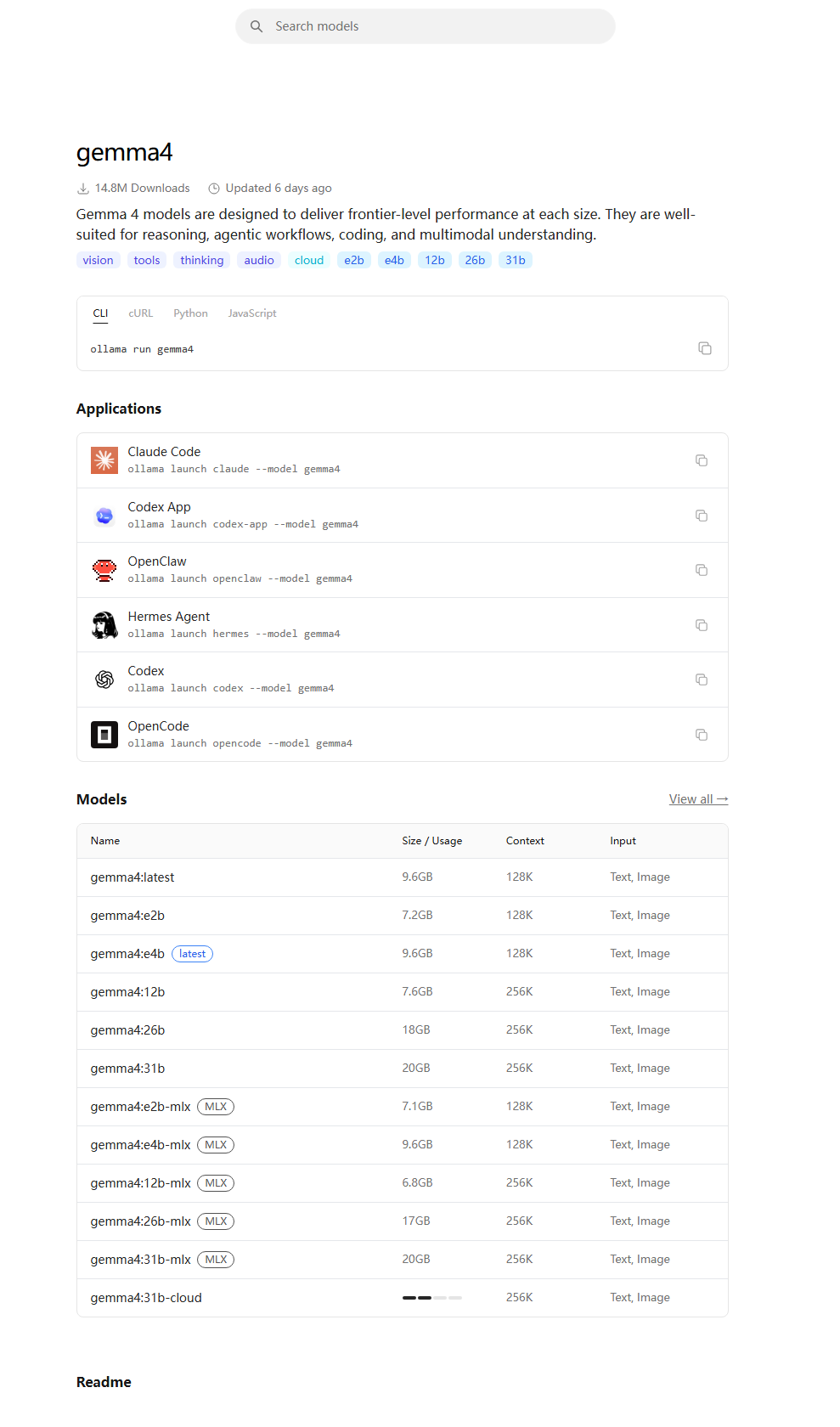
3、下载模型
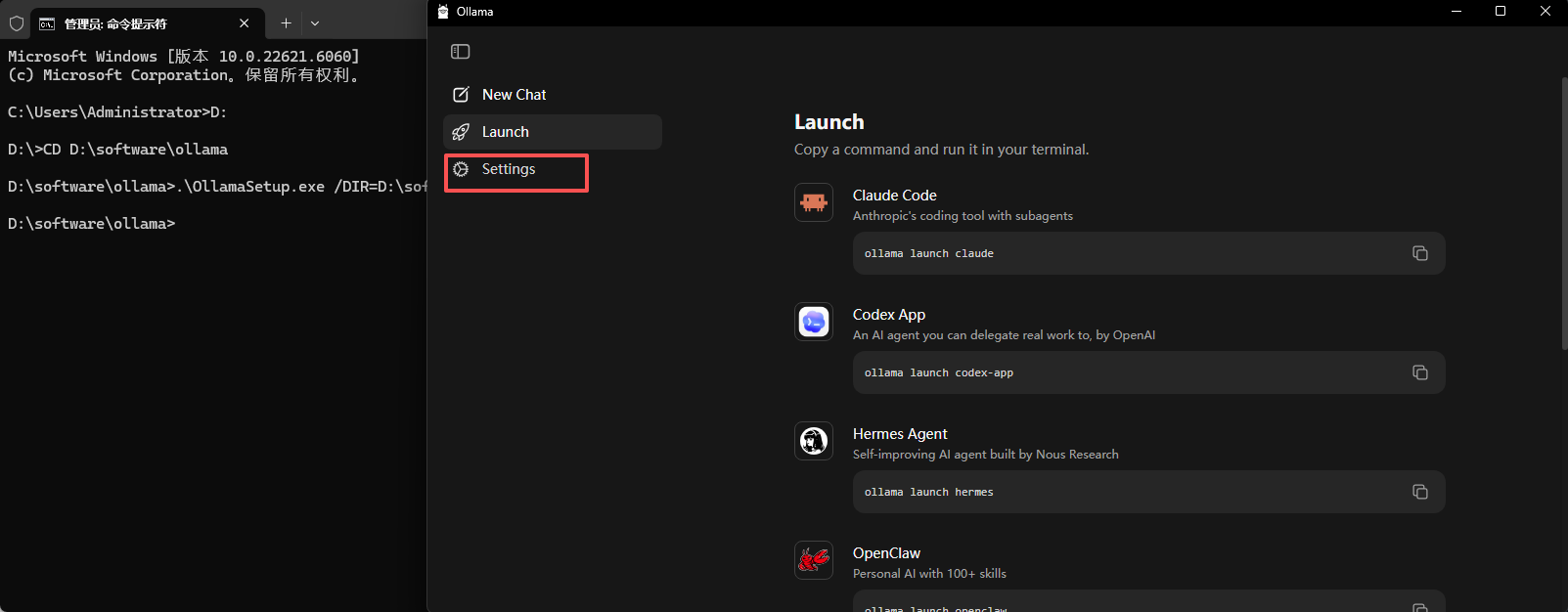
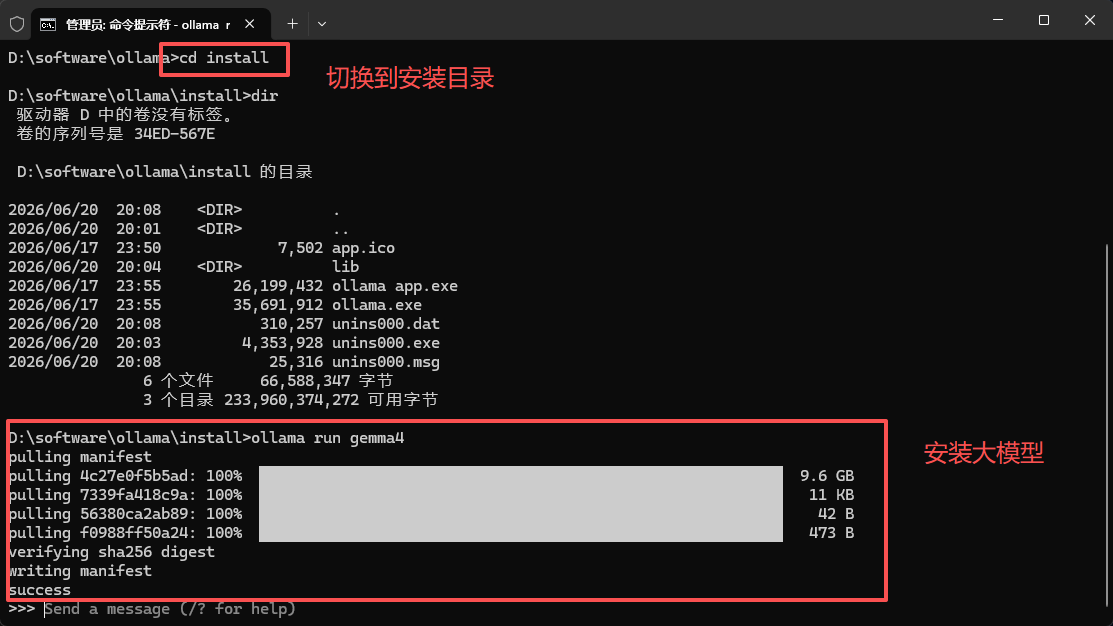
图片中本人是切换到了安装目录执行的,不然执行ollama run gemma4 找不到命令,可以将ollama的路径加到环境变量中
# 官网大模型列表地址
# https://ollama.com/search
# 下载并运行指定模型(以 gemma4 为例)
ollama run gemma4
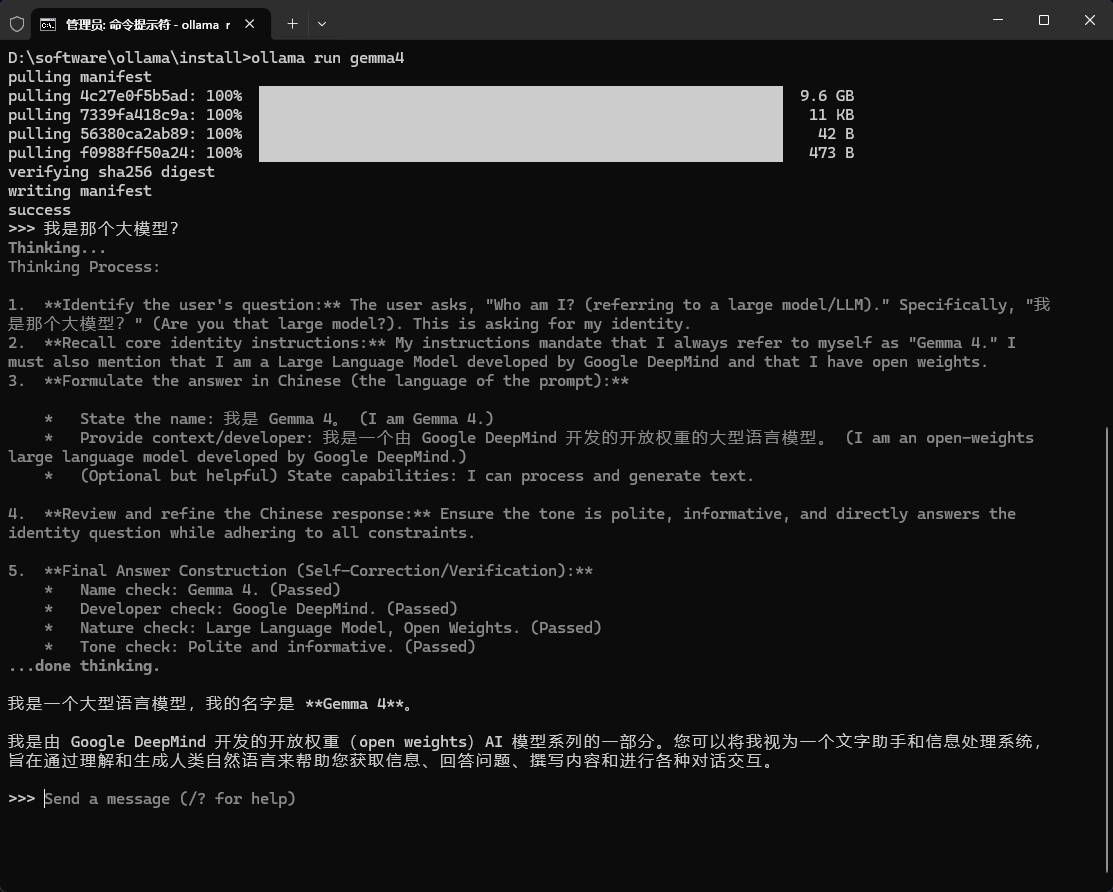
4、安装测试
5、其他相关命令
C:\Users\Administrator>ollama --help
Large language model runner

Usage:
  ollama [flags]
  ollama [command]

Available Commands:
  serve        Start Ollama
  create       Create a model
  show         Show information for a model
  run          Run a model
  stop         Stop a running model
  pull         Pull a model from a registry
  push         Push a model to a registry
  signin       Sign in to ollama.com
  signout      Sign out from ollama.com
  list         List models
  ps           List running models
  cp           Copy a model
  rm           Remove a model
  launch       Launch the Ollama menu or an integration
  help         Help about any command

Flags:
  -h, --help         help for ollama
      --nowordwrap   Don't wrap words to the next line automatically
      --verbose      Show timings for response
  -v, --version      Show version information

Use "ollama [command] --help" for more information about a command.

小龙虾开发者社区是 CSDN 旗下专注 OpenClaw 生态的官方阵地,聚焦技能开发、插件实践与部署教程,为开发者提供可直接落地的方案、工具与交流平台,助力高效构建与落地 AI 应用
更多推荐
 0
0 0
0- 0


 已为社区贡献5条内容

所有评论(0)