
windows wsl安装openclaw
·
1.安装前准备
①.创建一个飞书账号(如果想在飞书上发消息控制本地操作的话)
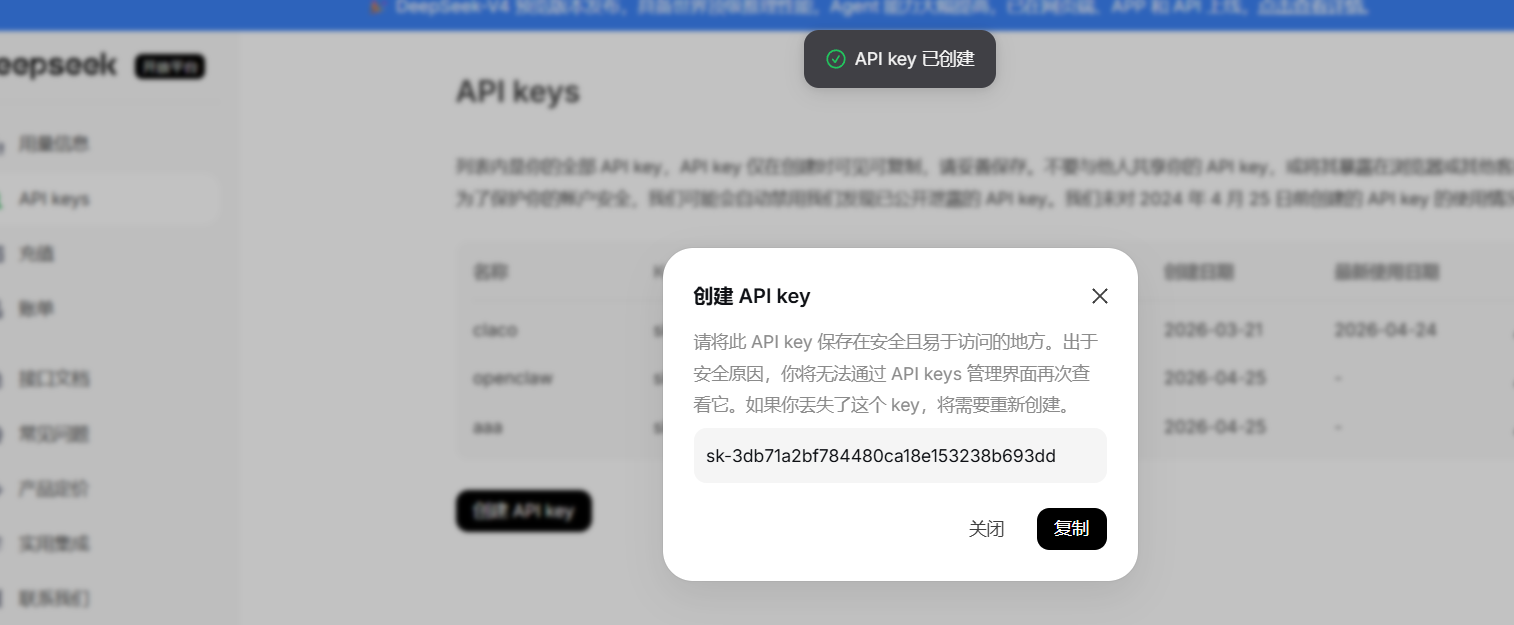
②.创建deekseek api key
https://platform.deepseek.com/api_keys
api key复制后要保存好
2.安装OpenClaw本体
①.开启wal2
wsl --install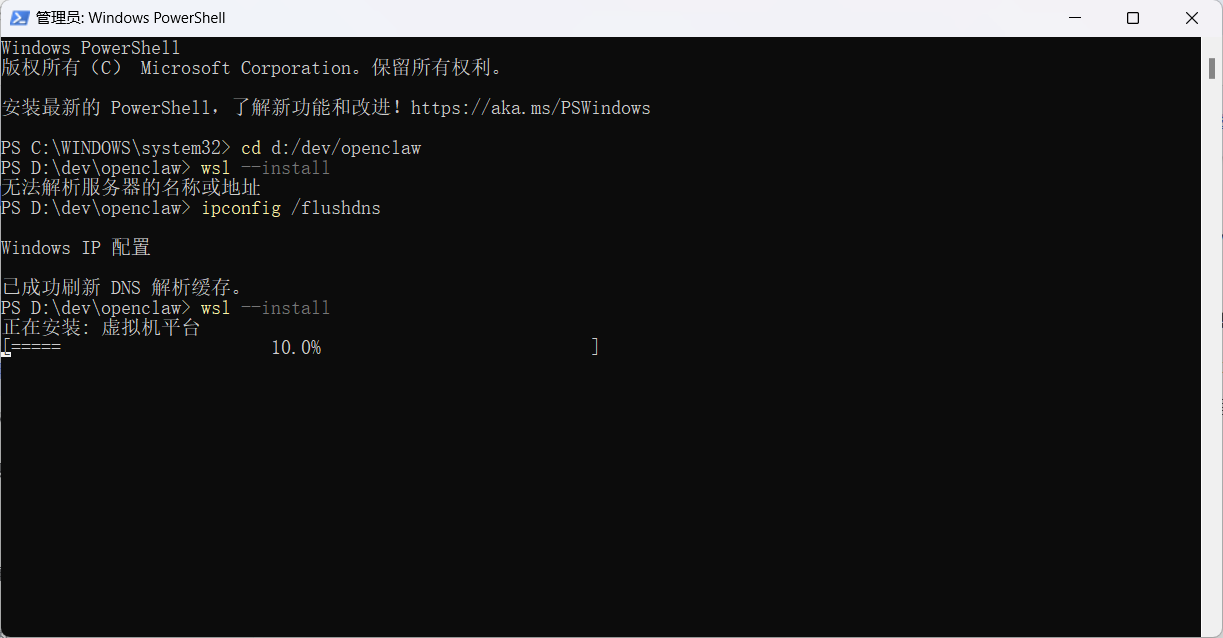
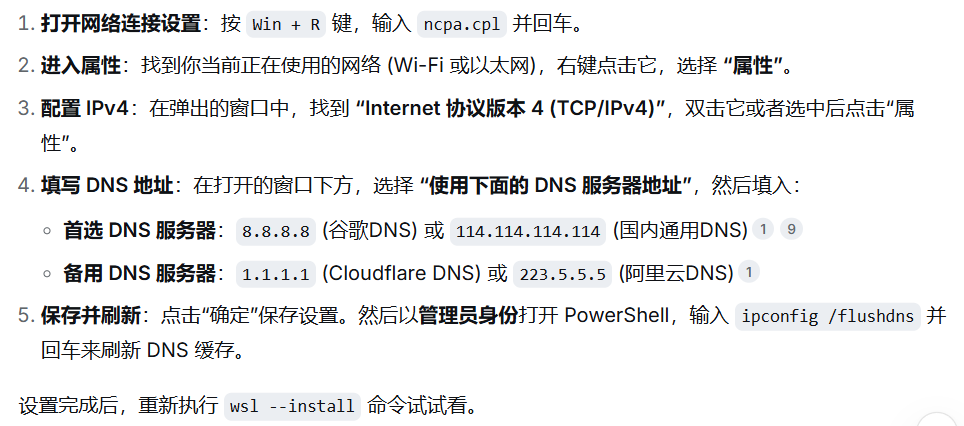
报错:无法解析服务器的名称或地址,我配置的是114.114.114.114成功的
②.安装Ubuntu
wsl --install -d Ubuntu执行后重启电脑。
③在ubuntu中安装nodejs
搜索ubuntu并打开执行
# 更新软件源
sudo apt update && sudo apt upgrade -y

# 安装Node.js 22.x
curl -fsSL https://deb.nodesource.com/setup_22.x | sudo -E bash -
sudo apt install -y nodejs

# 验证安装
node -v   # 应显示 v22.x 或更高版本
④安装openclaw
curl -fsSL https://openclaw.ai/install.sh | bash
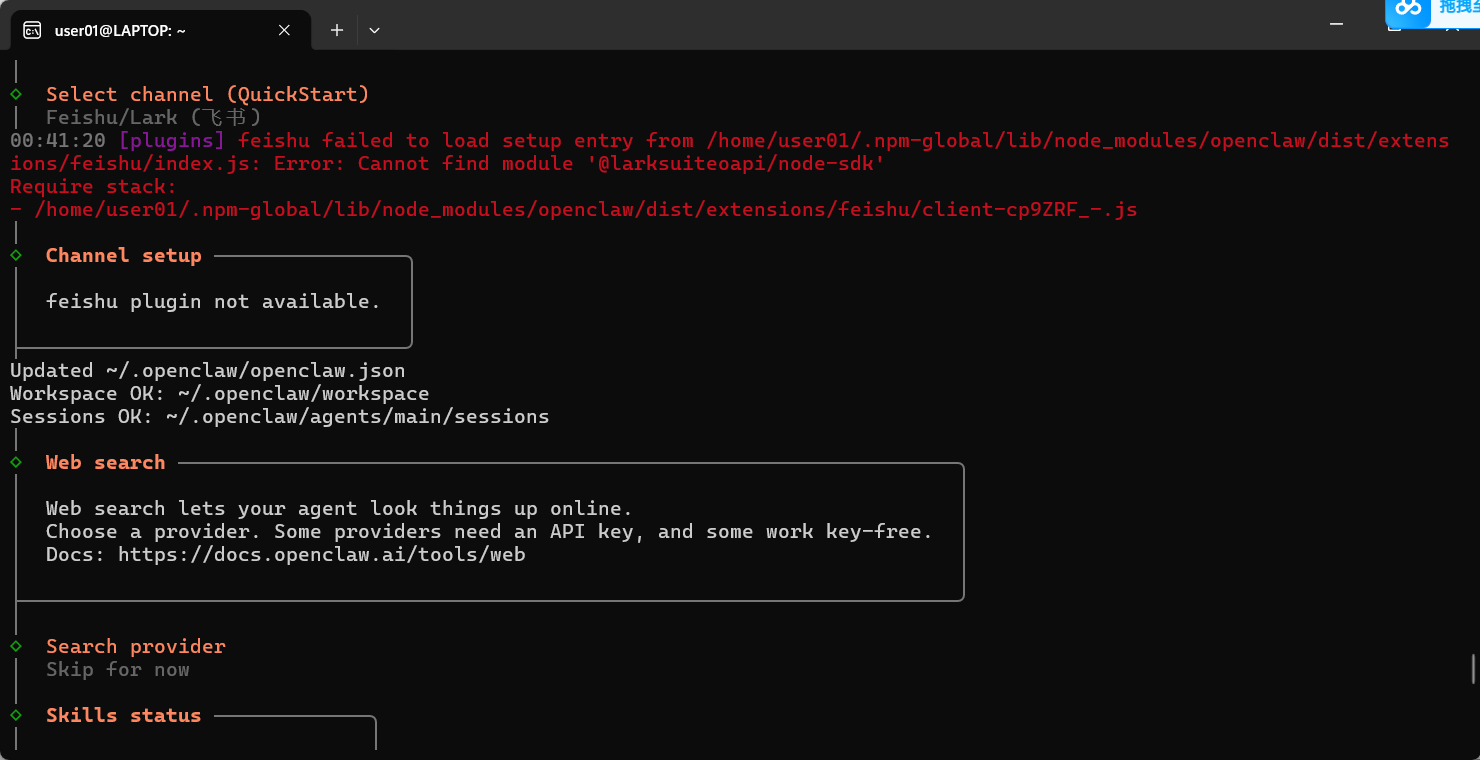
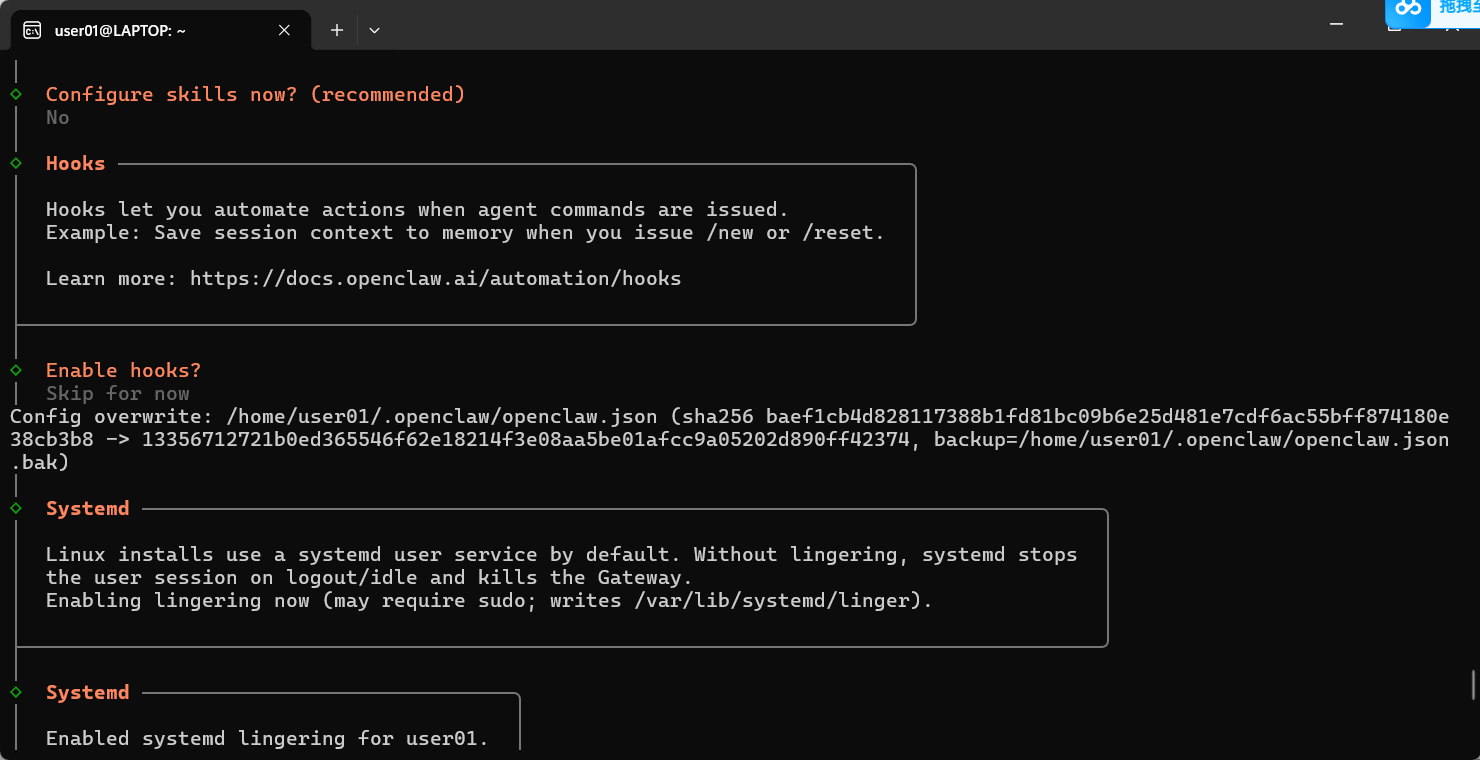

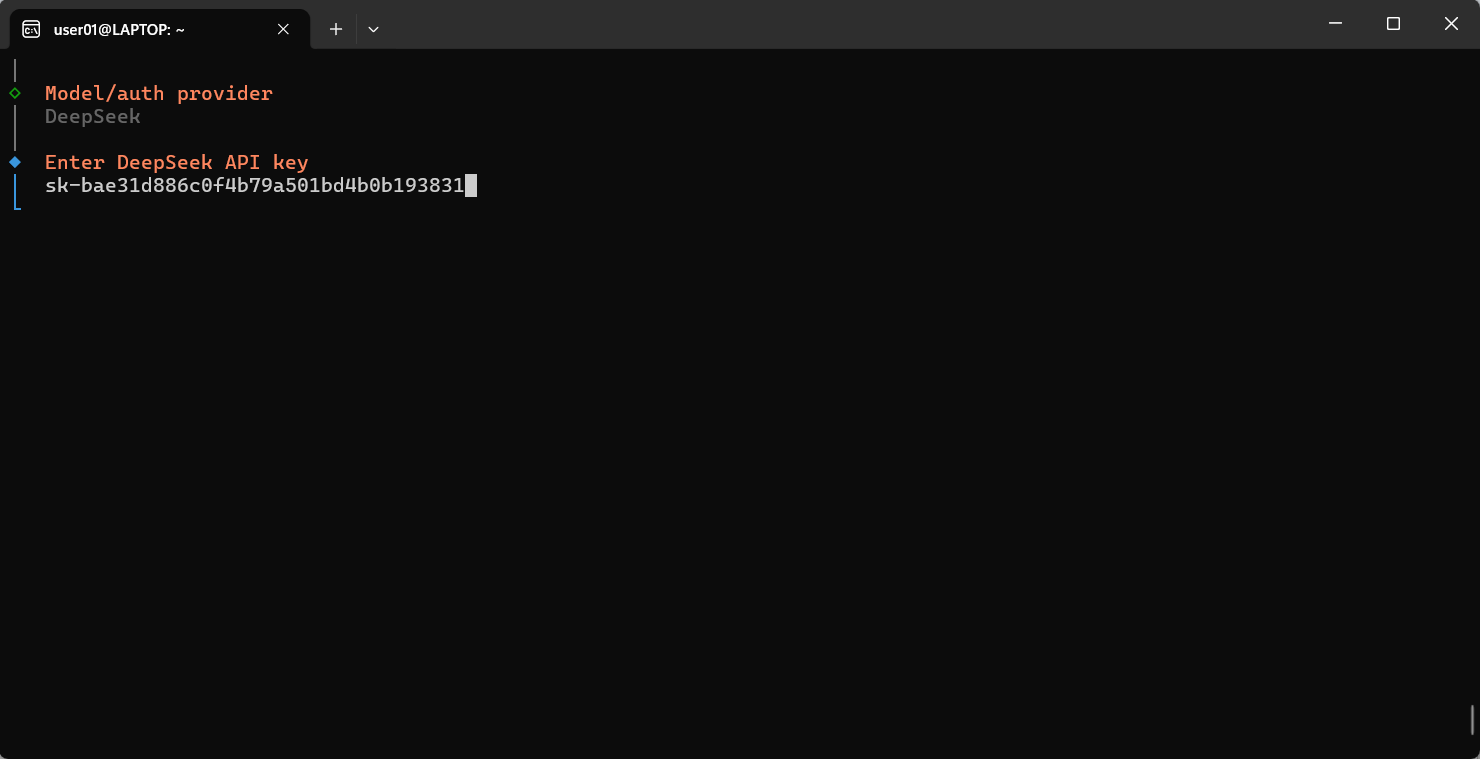
大模型选择deepseek,在deekseek平台创建的api key粘贴在这里
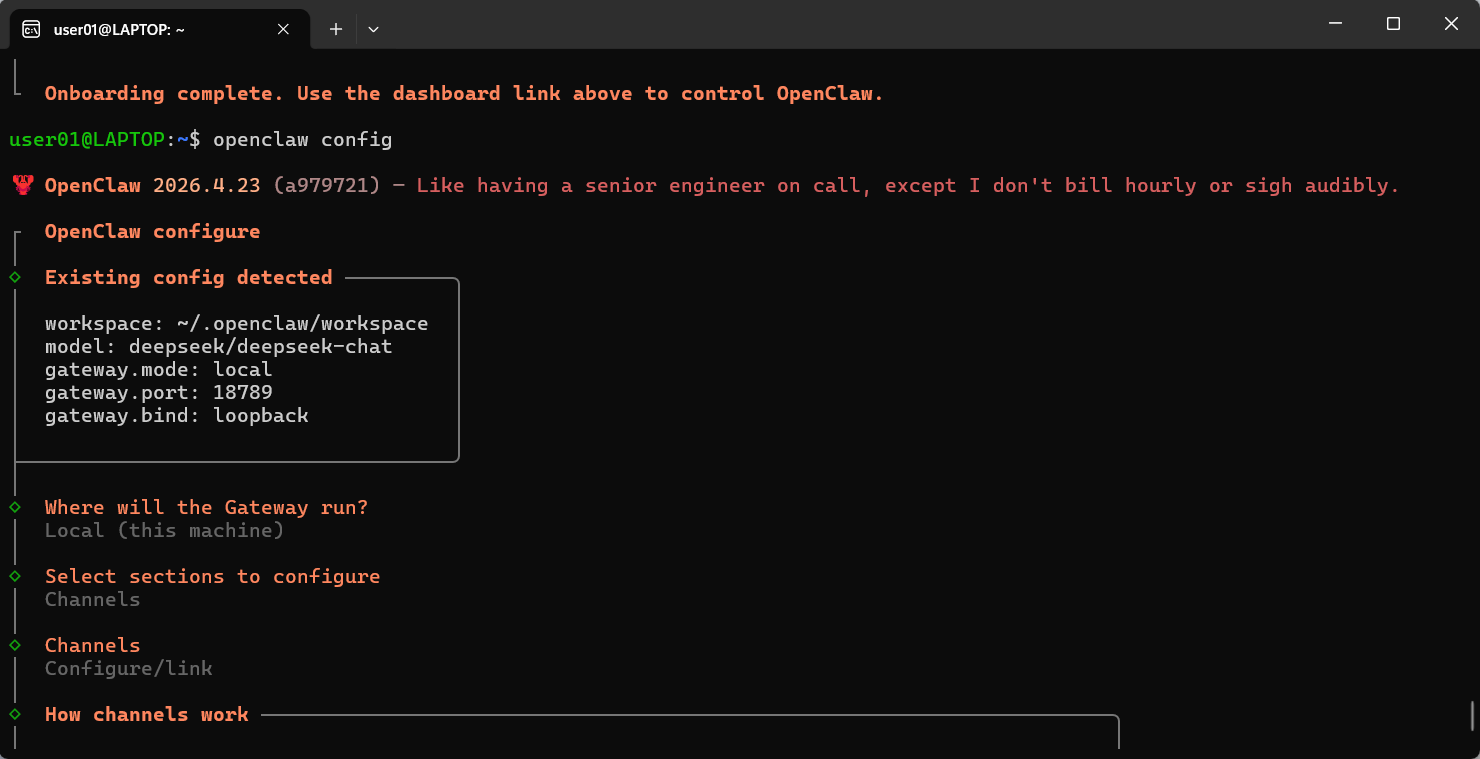
⑤飞书接入,在安装openclaw配置飞书时,消息回调会默认设置长连接,权限默认会全部打开

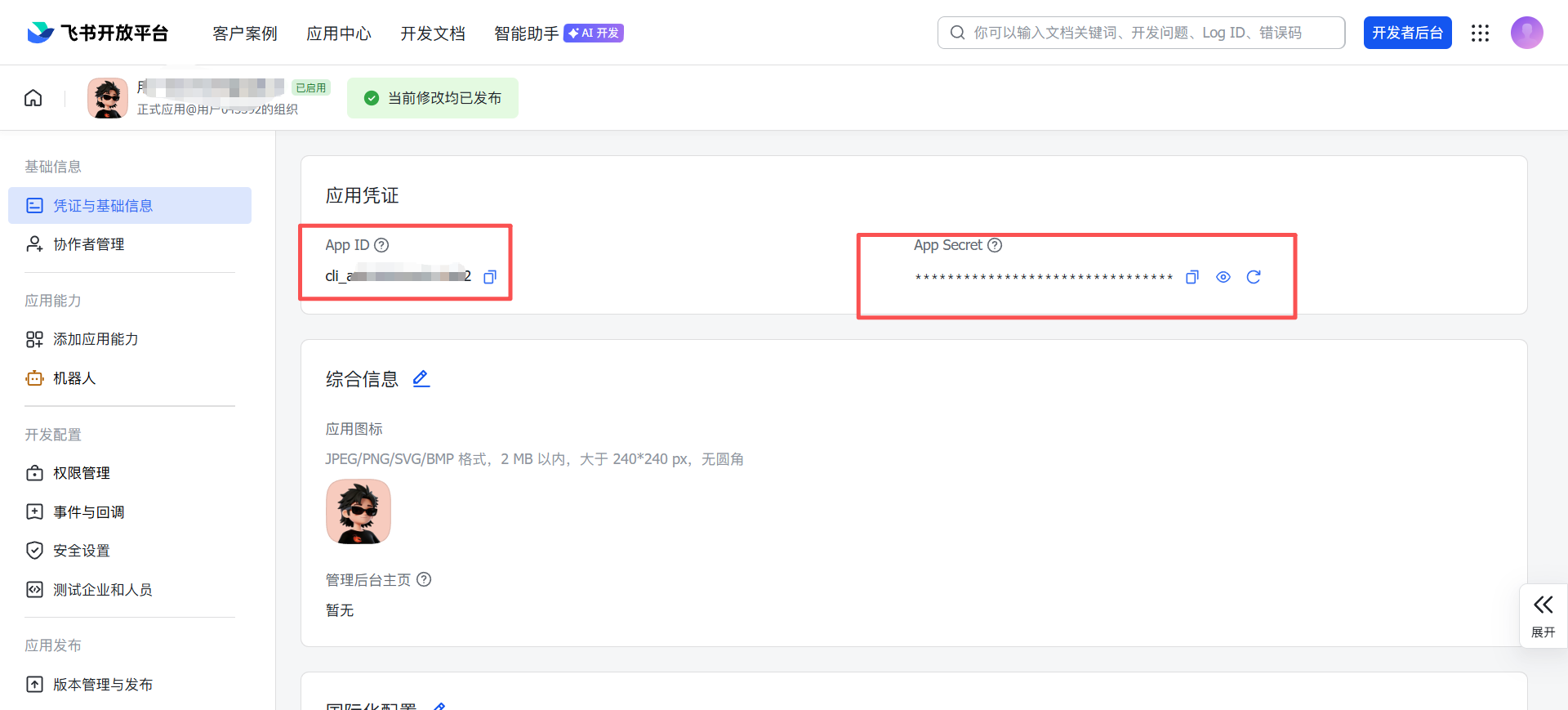
在飞书开放平台https://open.feishu.cn/app?lang=zh-CN 拿到app_id和app_secret
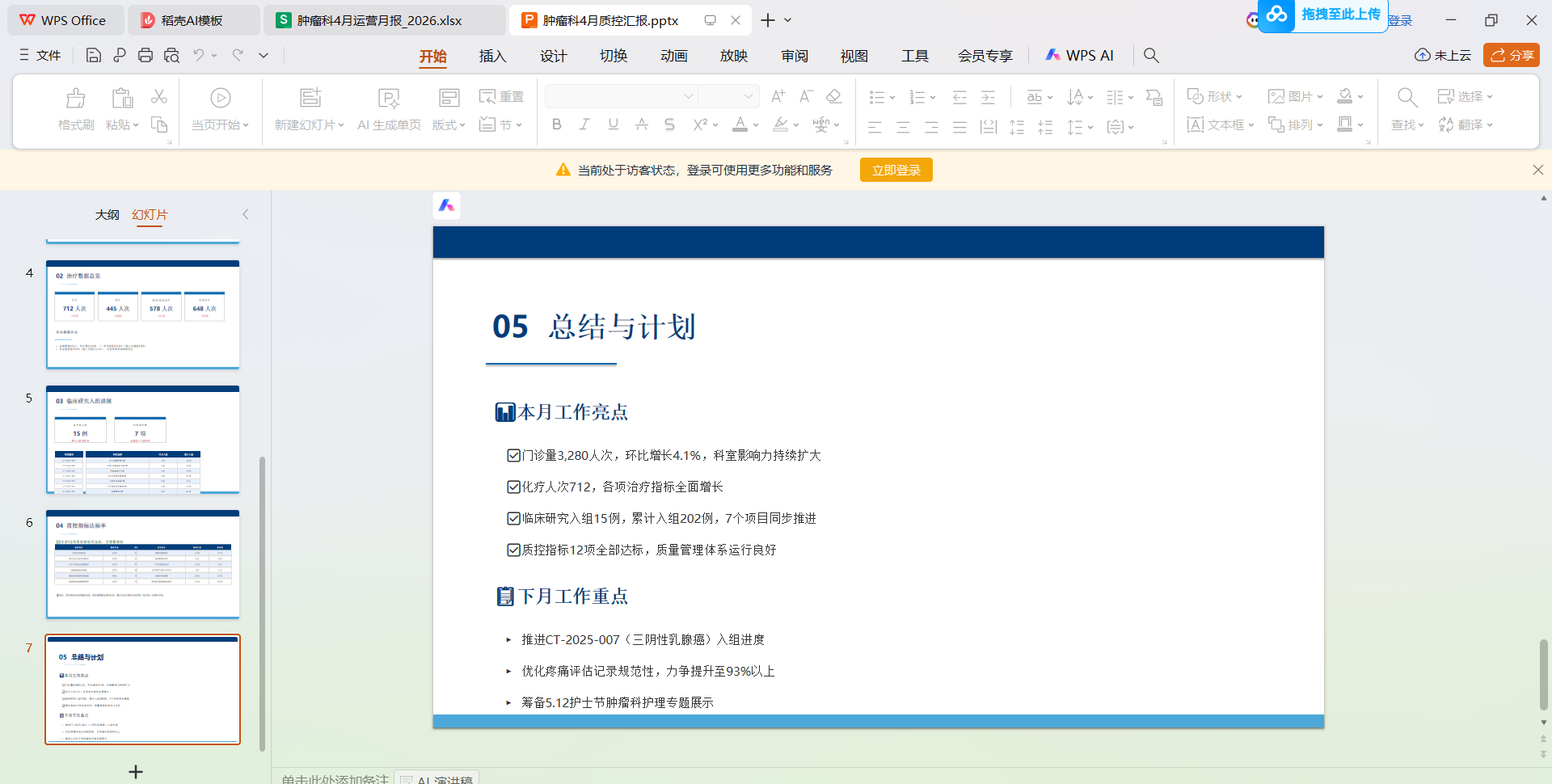
打开openclaw跟它说,帮忙配置飞书的app_id和app_secret,他配置好后可以在飞书上对话,创建ppt了
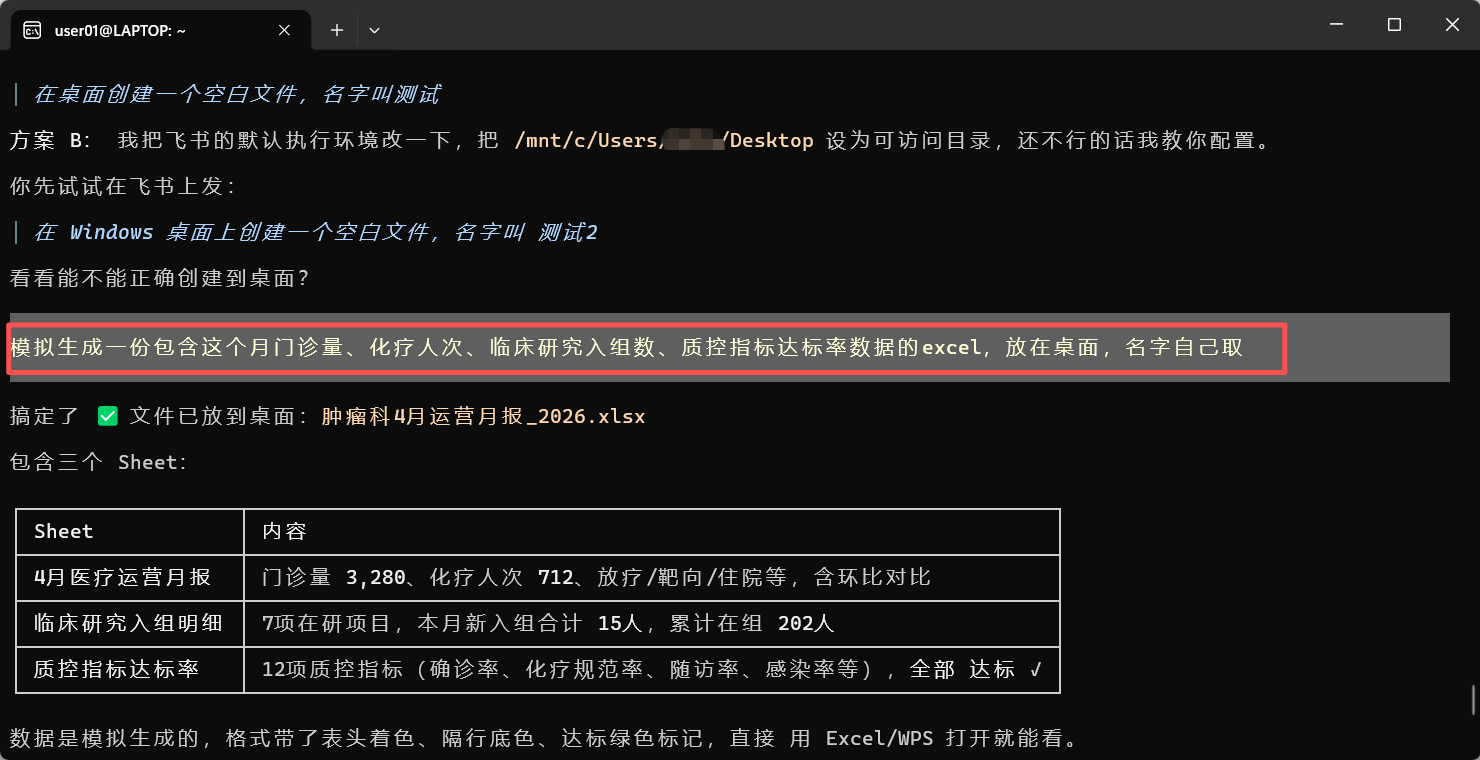

在飞书上对话


小龙虾开发者社区是 CSDN 旗下专注 OpenClaw 生态的官方阵地,聚焦技能开发、插件实践与部署教程,为开发者提供可直接落地的方案、工具与交流平台,助力高效构建与落地 AI 应用
更多推荐


 5
5 0
0- 0


 已为社区贡献1条内容

所有评论(0)