
Copaw安装教程+模型配置+接入飞书
国产OpenClaw,Copaw安装教程
·
Windows用户可直接参考:https://curl.qcloud.com/HsizJV5k
Ubuntu用户按照以下步骤即可部署完成
1. 一行命令安装
curl -fsSL https://copaw.agentscope.io/install.sh | bash
2. 等待安装成功后,初始化配置
copaw init --defaults
3. 启动
copaw app
4. 打开浏览器输入http://127.0.0.1:8088/
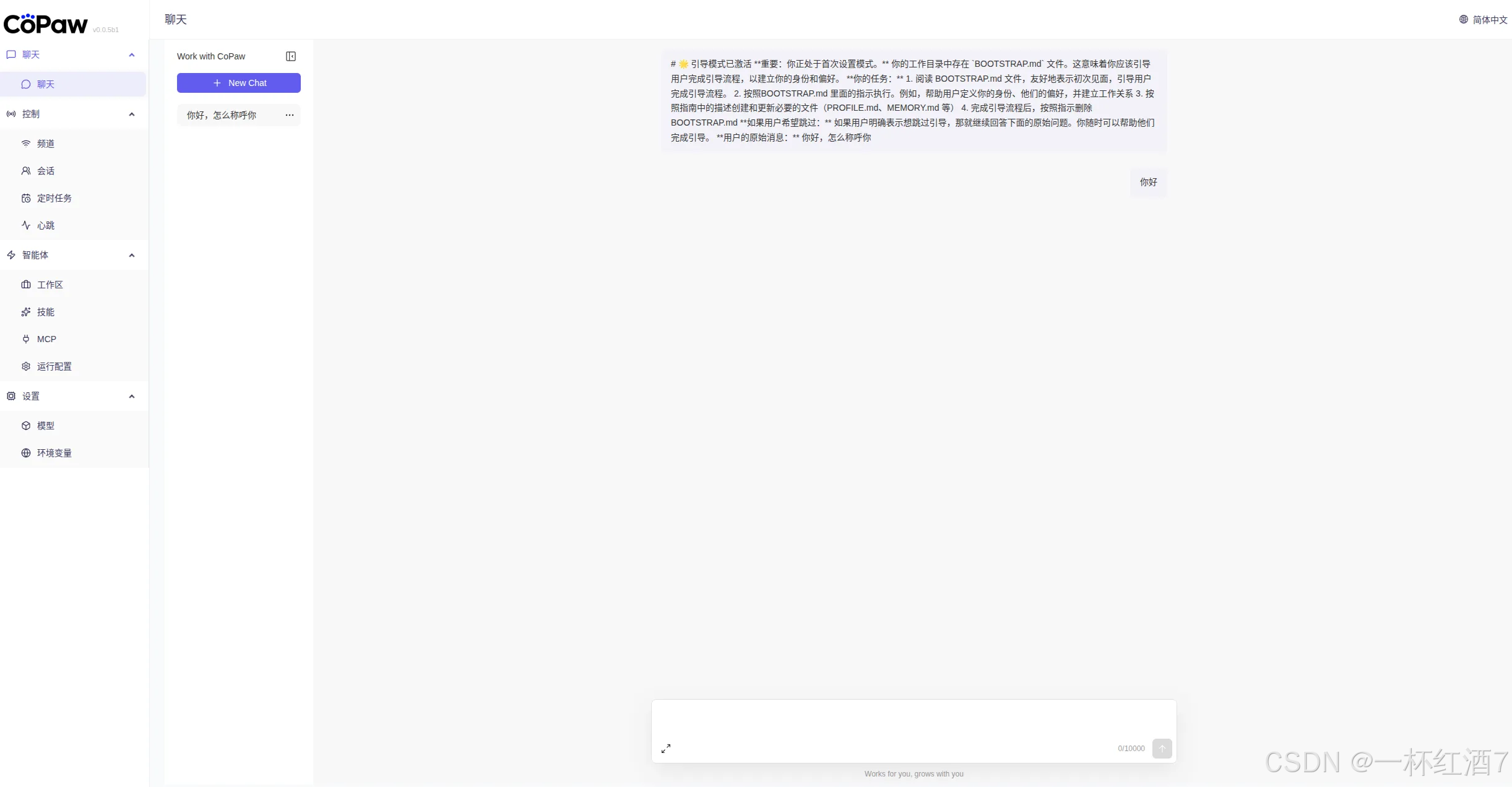
5. 以Qwen为例,注册阿里云账号之后,打开阿里云百炼 https://bailian.console.aliyun.com/cn-beijing/?spm=5176.12818093_47.console-base_help.5.399216d0CDL28C&tab=home#/home
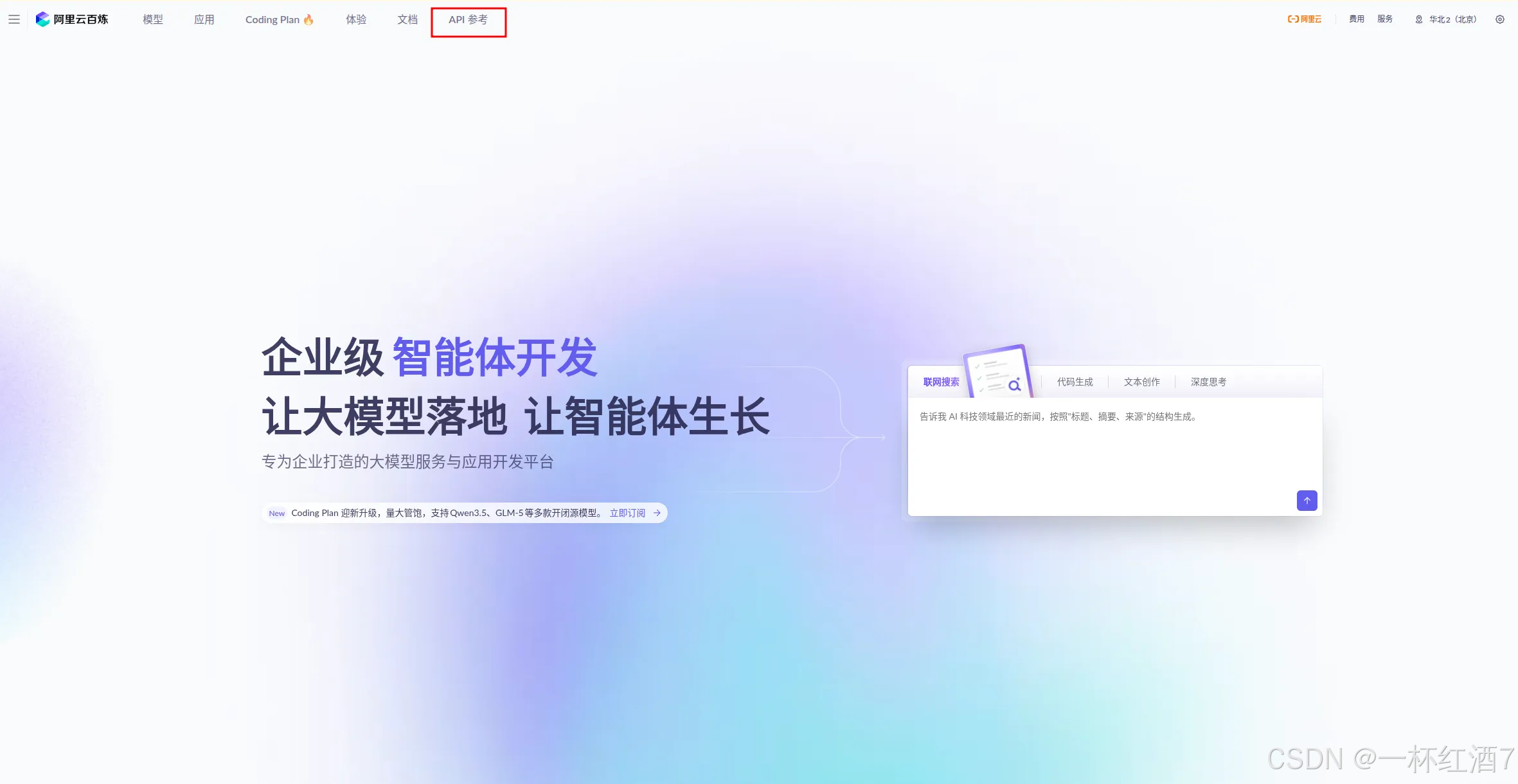
6. 点击API参考,前往API Key(北京)
获取API Key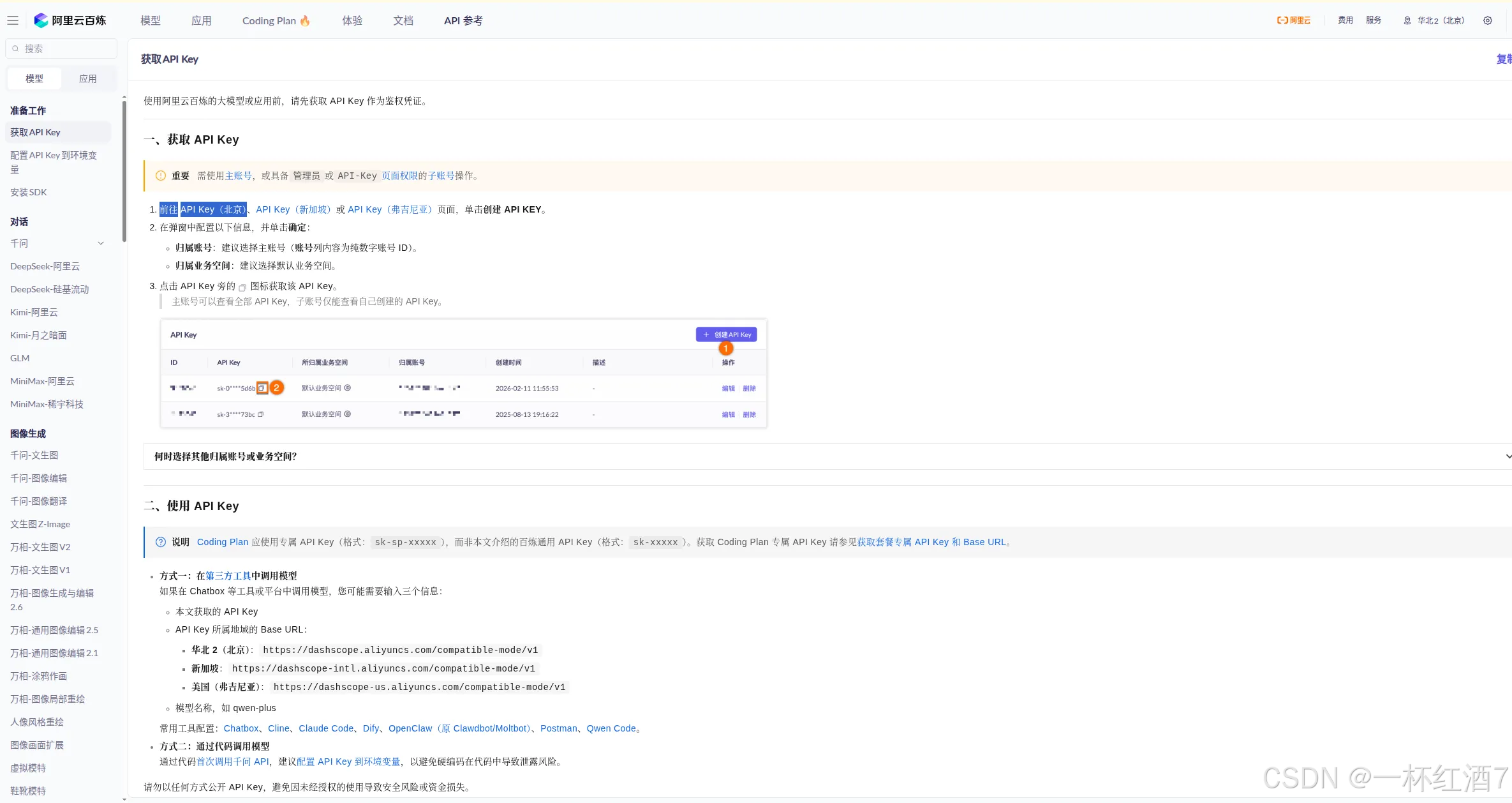
7. 打开Copaw网页,点击添加提供商
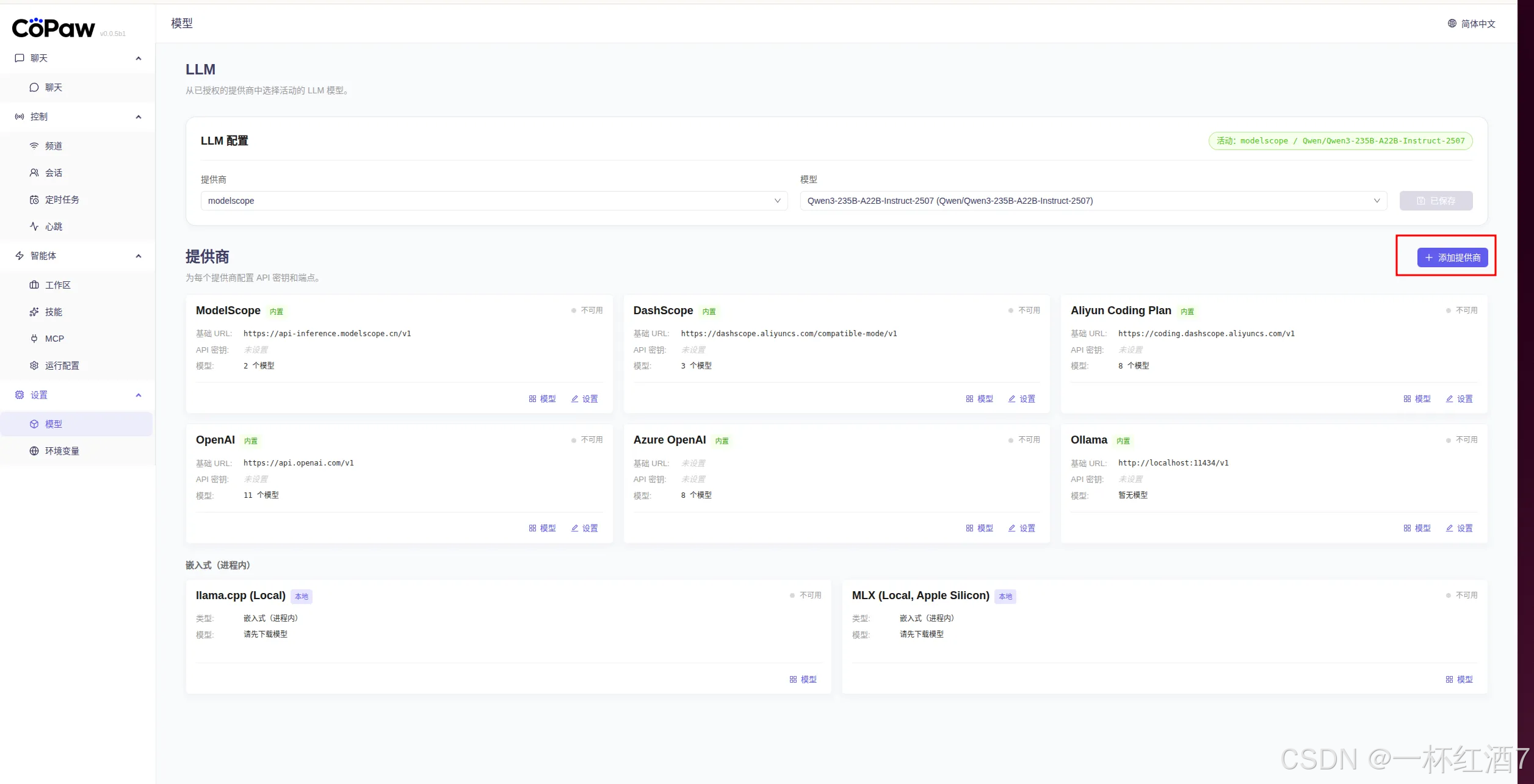
8. 配置模型
Base URL:https://dashscope.aliyuncs.com/compatible-mode/v1
API Key:输入自己的API Key
9. 点击模型,添加模型
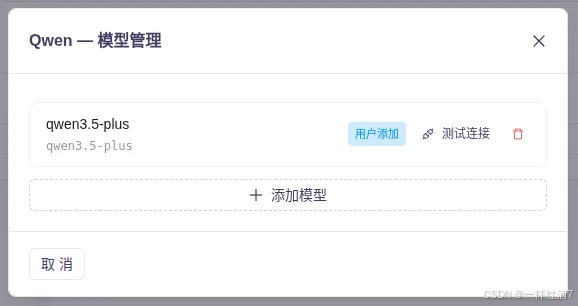
10. 选择配置好的模型,并保存

11. 开始使用
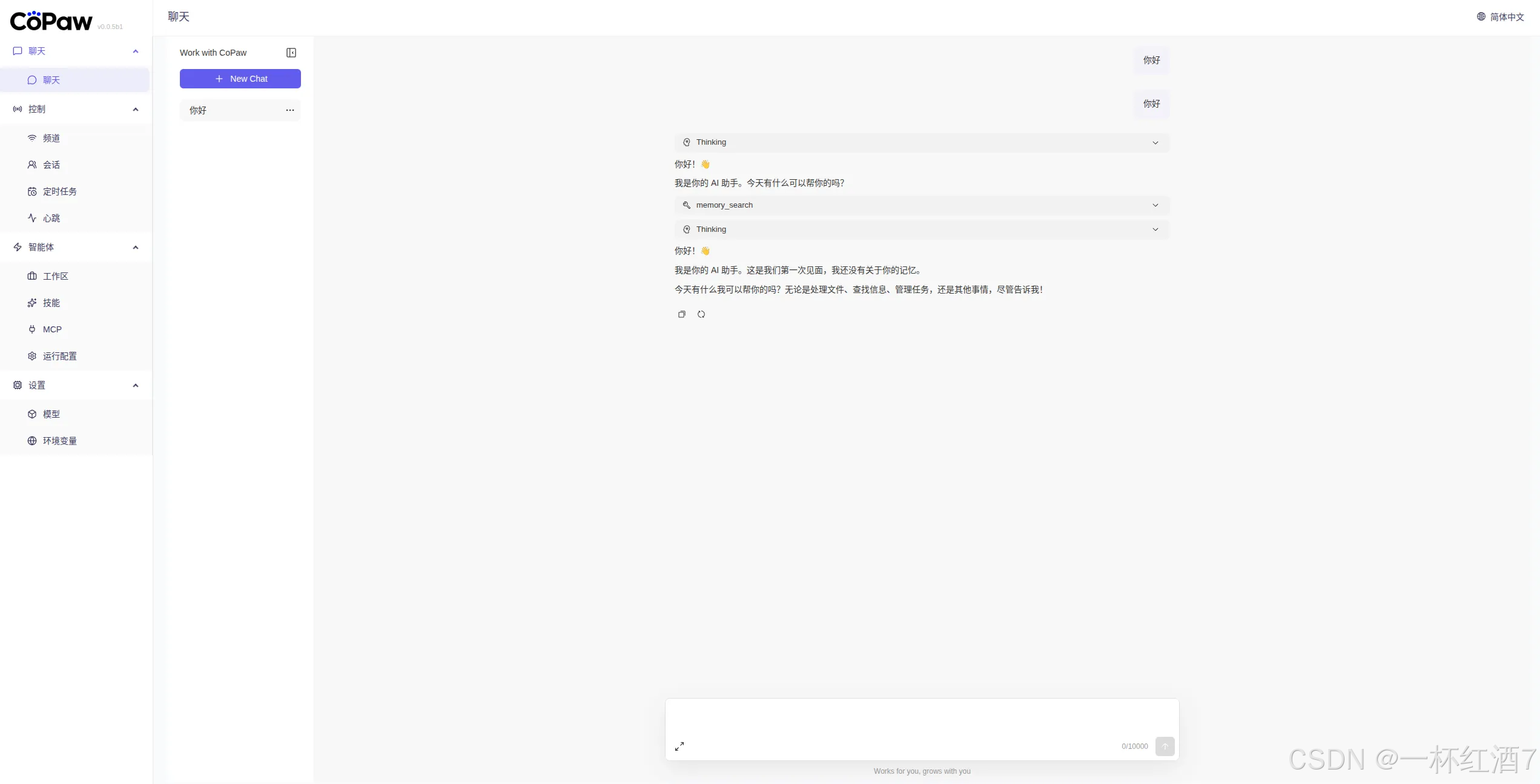
12. 接入飞书
打开https://open.feishu.cn/,参考https://cloud.tencent.com/developer/article/2626160教程,获取飞书App ID 和 App Secret
打开http://127.0.0.1:8088/,点击频道输入App ID 和 App Secret即可

小龙虾开发者社区是 CSDN 旗下专注 OpenClaw 生态的官方阵地,聚焦技能开发、插件实践与部署教程,为开发者提供可直接落地的方案、工具与交流平台,助力高效构建与落地 AI 应用
更多推荐
 3
3 0
0- 0


 已为社区贡献3条内容

所有评论(0)