How to troubleshoot storybook not loading stories?
Answer a question
I'm trying to load up the demo storybook stories (withText, withIcon), using this react guide, but I cannot get any of the example stories to run.
For the avoidance of doubt, here's the code file (Histogram.stories.js):
import React from 'react';
import { Button } from '@storybook/react/demo';

export default { title: 'Button' };

export const withText = () => <Button>Hello Button</Button>;

export const withEmoji = () => (
  <Button>
    <span role="img" aria-label="so cool">
      😀 😎 👍 💯
    </span>
  </Button>
);
And my main.js
module.exports = {
    stories: ['../src/**/*.stories.jsx?'],
};
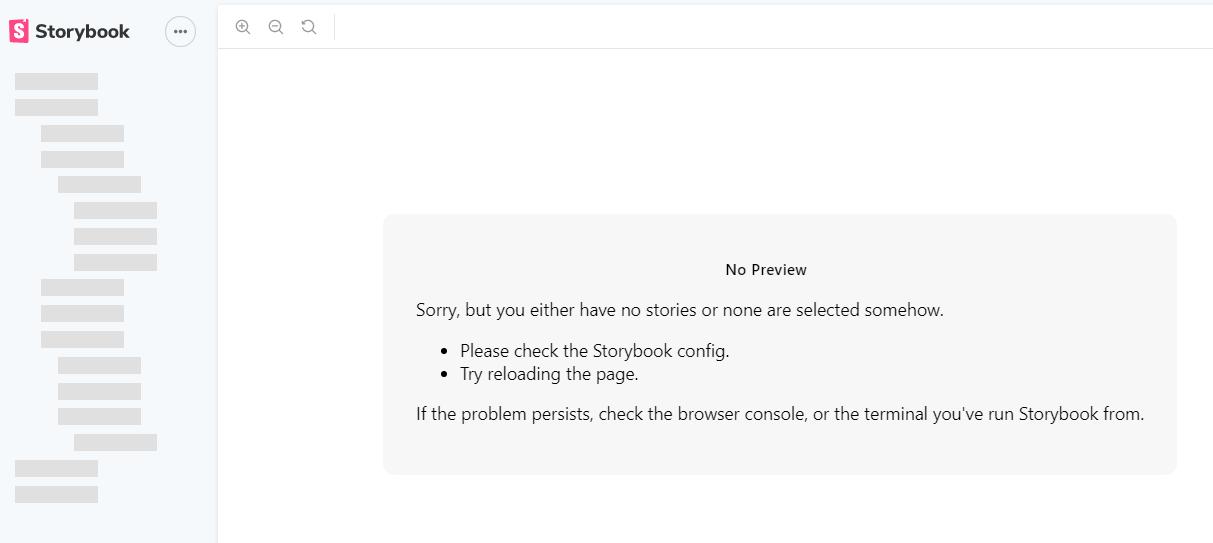
When I run npm run storybook I get this page:
This is the output in the devconsole:
vendors~main.9bf87aec509ee033c0f8.bundle.js:135070 Download the React DevTools for a better development experience: https://fb .me/react-devtools
DevTools failed to parse SourceMap: chrome-extension://gighmmpiobklfepjocnamgkkbiglidom/include.preload.js.map
DevTools failed to parse SourceMap: chrome-extension://gighmmpiobklfepjocnamgkkbiglidom/include.postload.js.map
DevTools failed to parse SourceMap: http://localhost:60923/unfetch.mjs.map
Which doesn't show what went wrong.
Likewise I cant see whats wrong with the set up on the command line
> start-storybook

info @storybook/react v5.3.18
info
info => Loading presets
info => Loading presets
info => Adding stories defined in ".storybook\main.js".
info => Using default Webpack setup.
info => Using base config because react-scripts is not installed.
webpack built 618e1f89c3579e851a85 in 52146ms
╭────────────────────────────────────────────────────╮
│                                                    │
│   Storybook 5.3.18 started                         │
│   1.37 min for manager and 1.37 min for preview    │
│                                                    │
│    Local:            http://localhost:60923/       │
│    On your network:  http://192.168.0.15:60923/    │
│                                                    │
╰────────────────────────────────────────────────────╯
The only CLI option I can find, that seems relevant, is --debug-webpack but this does not produce further output in my case.
What can I do to further troubleshoot this problem?
Answers
The main.js in your ./storybook folder contains the line stories: ['../src/**/*.stories.jsx?'], since your story is named Histogram.stories.js it should be like below.
module.exports = {
  stories: ['../src/**/*.stories.js']
};
I tried replicating this in my code by using your main.js and the exact same thing happened to me as well. Also adding the ? like this stories: ['../src/**/*.stories.js?'] gives the same error
Edit- you can check for both .js and .jsx by modifying the line like this stories: ['../src/**/*.stories.js(x)?']
Edit (24/7/2021) - As of today while installing storybook with npx sb init and choosing react as the template it automatically adds the below snippet in the main.js file
module.exports = {
  "stories": [
    "../stories/**/*.stories.mdx",
    "../stories/**/*.stories.@(js|jsx|ts|tsx)"
  ],
  "addons": [
    "@storybook/addon-links",
    "@storybook/addon-essentials"
  ]
}
which solves for this issue

React社区为您提供最前沿的新闻资讯和知识内容
更多推荐
 0
0 0
0- 0


 已为社区贡献29247条内容

所有评论(0)