Recharts set Y-axis value base of number displayed
Answer a question
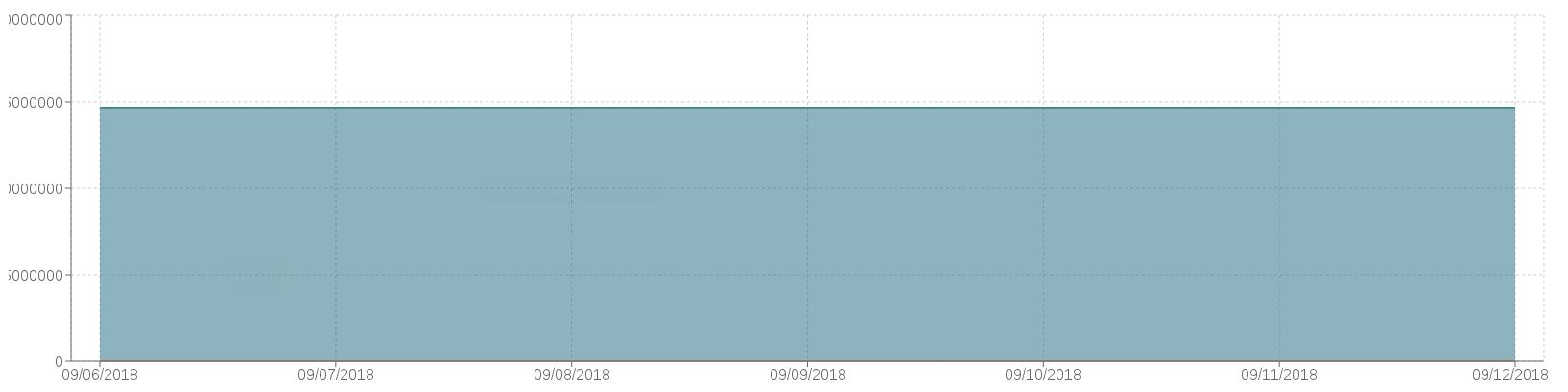
Hi I'm trying to use Recharts to display some data but I have ran into a problem. The numbers I'm tying to display are too big and my Y-axis gets cut off by the webpage. Is their a way to set or customize the Y-axis values to display 10K, 10M and etc instead of 10,000 and 10,000,000 depending on the data?
Answers
There isn't a way to have the Y-axis to do it automatically, but if your data is being input into the recharts as ints you can add tickFormatter to the Y-axis tab. You can have tickFormatter to equal a function that takes in 1 variable which will be the Y-axis tick value (as an int) and return the number in the format you want it.
this function takes in the Y-axis as a int and returns it as a string
const DataFormater = (number) => {
  if(number > 1000000000){
    return (number/1000000000).toString() + 'B';
  }else if(number > 1000000){
    return (number/1000000).toString() + 'M';
  }else if(number > 1000){
    return (number/1000).toString() + 'K';
  }else{
    return number.toString();
  }
}
in area chart <YAxis tickFormatter={DataFormater}/>

React社区为您提供最前沿的新闻资讯和知识内容
更多推荐
 0
0 0
0- 0


 已为社区贡献29247条内容

所有评论(0)