
Mirror your android screen on your Linux easily
Have you ever thought of mirroring your screen to your linux device ?
Yes i had
thought of having the feel of android emulator ?
yes i love with when i see people using android emulator , and i also wanna have that feelings too , seeing my android screen at one side of my laptop
Now the problem is i use linux

yeah i love the act of casting my phone screen to my laptop , but i use Linux , can linux do that ?
Yes sure , Linux can do that
Now lets get started
Requirements :
- Android device 5.0 ( Lollypop) upward
- USB cable
lets kick start our mission
first of all you need to install things which will make the screen casting run
- scrcpy
- ADB ( Android Debug Bridge )
INSTALLATION
now we need to install the two dependencies we mentioned above
- installing scrcpy
scrcpyis the tool we will be using ,now we need to install it
install it using snap
if you use ubuntu 18 upward , dont worry you already have snap installed , and if you felt like you dont , you cann kindly install it with this command below ,
- copy and paste this to your terminal
$ sudo apt update$ sudo apt install snapd
now after the installation we need to install the main tool we will be using , which is scrcpy
INSTALLING SCRPY
the scrcpy is the tool we will be using to mirror or android screen to the our laptop , but it needs a package which is Android Developement Bridge
- now to install
scrcpycopy this code to your terminalsudo snap install scrcpy
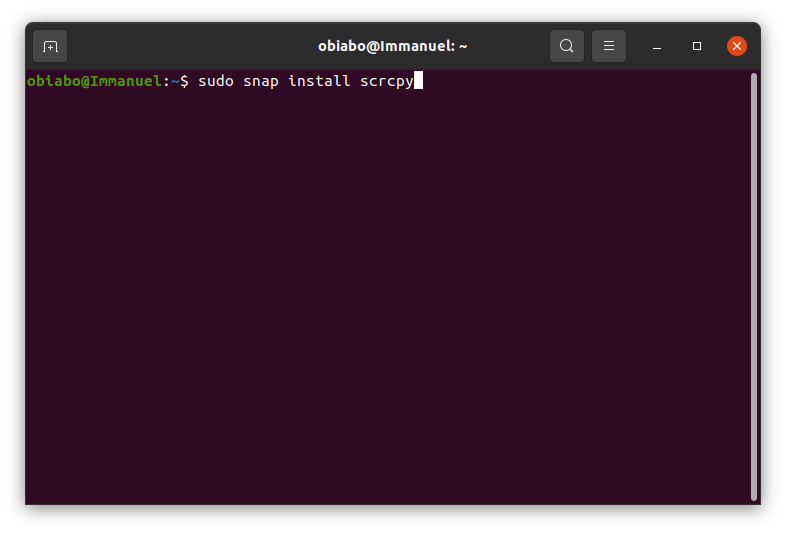
then press enter to install it , after installation is finished , now lets install adb
INSTALLING ADB
to install adb copy this line of code to your terminal
sudo apt install adb
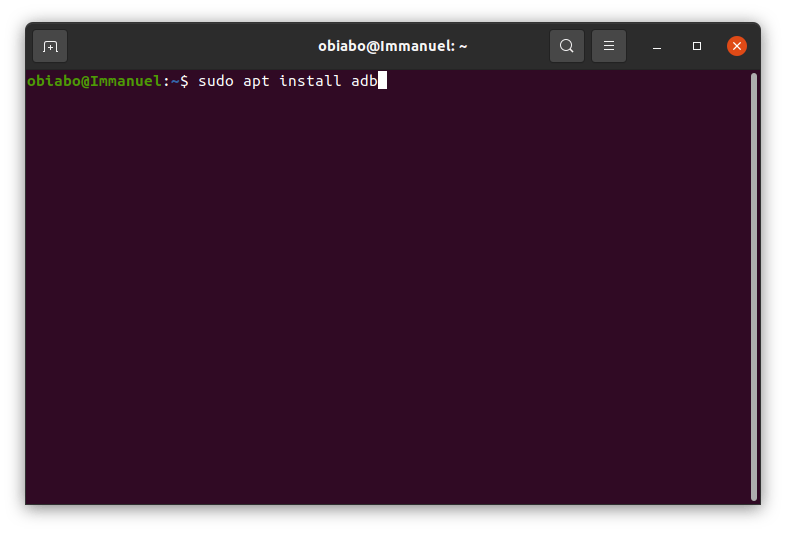
now after installation is finished , lets mirror our screen to our linux device
NOW TO DO THAT
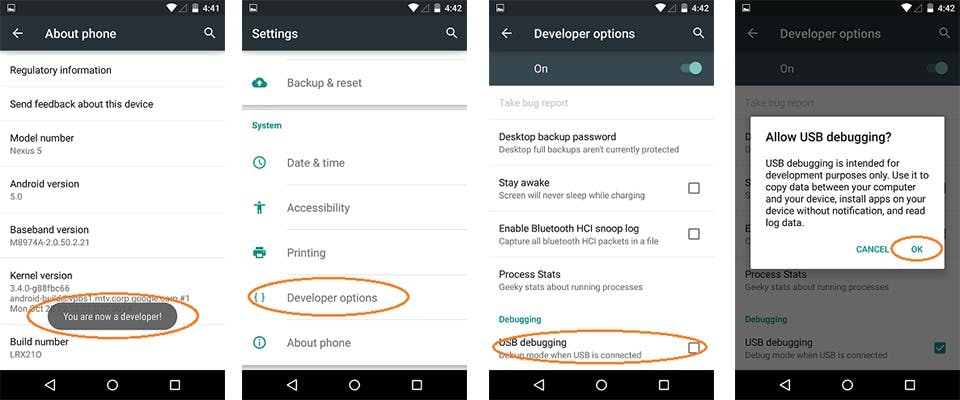
Your android device must be on USB debug mode
now to do that , go to settings > developers option > turn on USB debug mode
but if you are just doing this for the first time . go to your phone settings
- click on About phone
- scroll down ward then continue tapping on Build number till you see you are now a developer
settings > About phone > Build number
so now after that go back to your settings again and you will see developers option now turn it on then turn on USB debug mode
NOW DO THIS
- connect your Android device to your laptop with a USB cable
- open your Linux terminal
- type
scrcpywhile your phone is connected to your device with USB
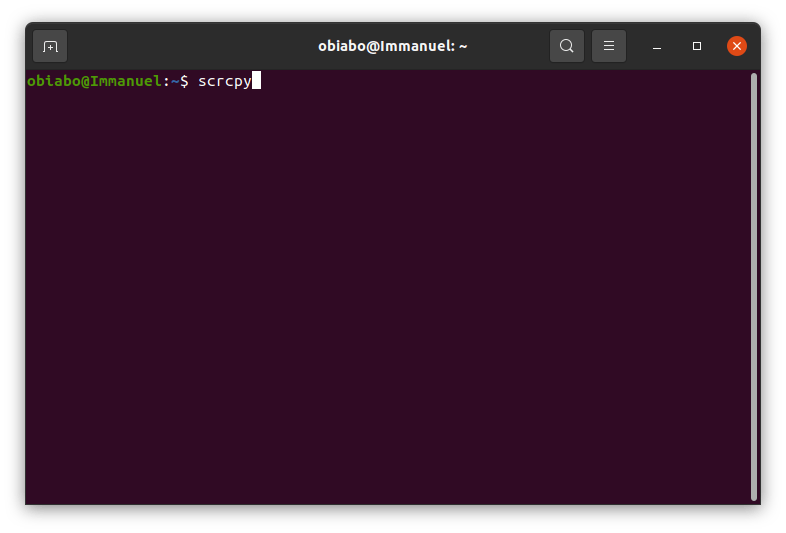
now you will see a pop up box on your android device , just click the check box that says ' always allow for this device ' then click ok
- now type
scrcpyagain- boom your android screen will now be mirrored on your laptop
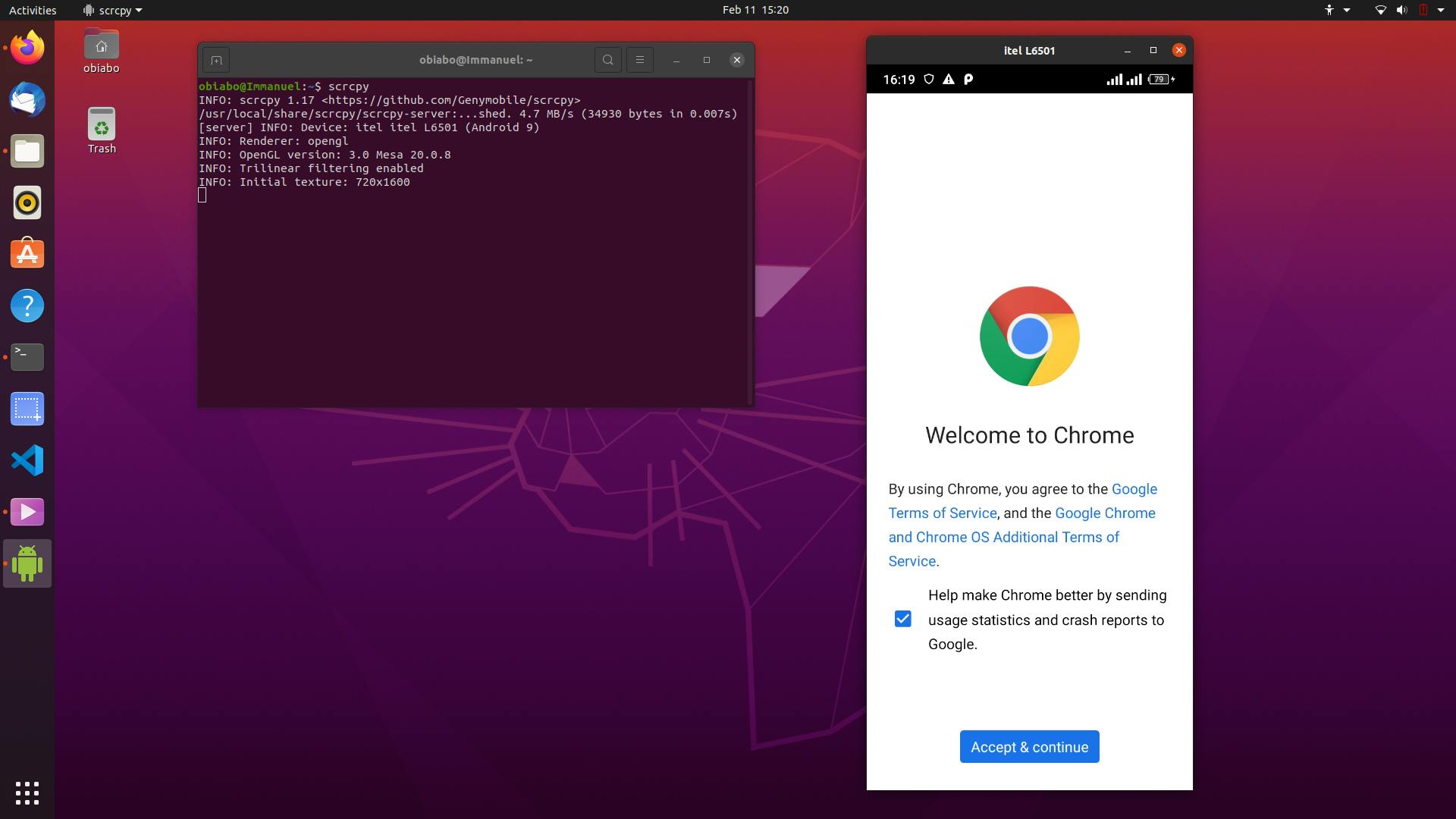
NOTE
you will see this icon on your Dock when your screen is been mirrored successfully
 now you can control your Android device from your laptop you can play music , Games , watch videos , browse and many more
wow am happy i can now cast my screen on my Linux device

更多推荐


 0
0 0
0- 0



 已为社区贡献12493条内容

所有评论(0)