
windows安装docker desktop wsl too old,wsl --update速度为0解决方法
·
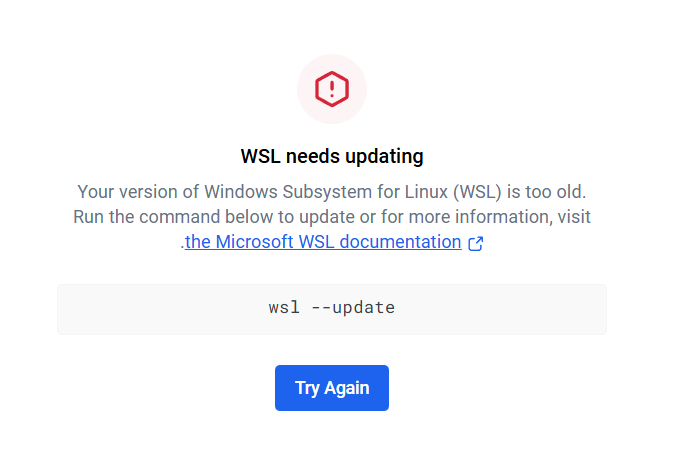
WSL needs updating
Your version of Windows Subsystem for Linux (WSL) is too old.
Run the command below to update or for more information, visit .the Microsoft WSL documentation
wsl --update如果你遇到
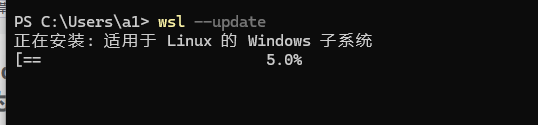
C:\Users\a1>wsl --update
正在安装: 适用于 Linux 的 Windows 子系统
[                           0.0%                           ]
一直卡在0 完全没有进度,
我尝试过网上的各种方法
手动下载更新
如果自动更新失败,可以手动下载安装包:
-
访问 Microsoft 官方下载页面:
https://aka.ms/wslstorepage -
下载 WSL2 内核更新包:
https://wslstorestorage.blob.core.windows.net/wslblob/wsl_update_x64.msi -
运行下载的
.msi文件完成安装
最后仍然失效,
最后我发现wsl --update
他的更新命令依赖于微软更新服务器,
你如果电脑关闭了Windows更新
那你就永远连不上服务器
所以你必须先开启更新
更新完wsl Linux子系统后
你再把更新关掉
更多推荐


 12
12 0
0- 0


 已为社区贡献27条内容

所有评论(0)